By Ozioma Onwumah · Content Marketer at Maildesk ·
Mailchimp Alternatives for Coaches: 7 Email Marketing Tools to Consider
Seven Mailchimp alternatives compared for coaches, consultants and course creators — what each is best suited for, the tradeoffs, and how to pick by sales process.

For coaches, consultants, and course creators, email marketing is more than a way to send campaigns. It’s the bridge between your expertise and the people you want to serve.
Whether you want a prospect to download a guide, join your newsletter, book a discovery call, attend a webinar, or become a client, your emails should do more than keep your audience warm.
That’s why choosing an email marketing platform requires more than asking, “how many features does it have?”
Mailchimp offers email campaigns, segmentation, automation, analytics, landing pages, and more. But it may not fit every business. In this guide, we’ll explore seven Mailchimp alternatives and what each is best suited for.
What’s in This Guide
- What’s in This Guide
- Why Coaches Look for Alternatives
- What to Look for in an Alternative
- The 7 Alternatives
- 1. Maildesk
- 2. Kit
- 3. ActiveCampaign
- 4. MailerLite
- 5. HubSpot
- 6. Brevo
- 7. Systeme.io
- The Alternatives at a Glance
- Which One Is Right for You?
- Mailchimp vs Maildesk
- You Don’t Always Need More Features
- How to Switch Platforms
- What to Measure After Switching
- Choose the Tool That Fits Your Sales Process
Why Coaches Look for Alternatives
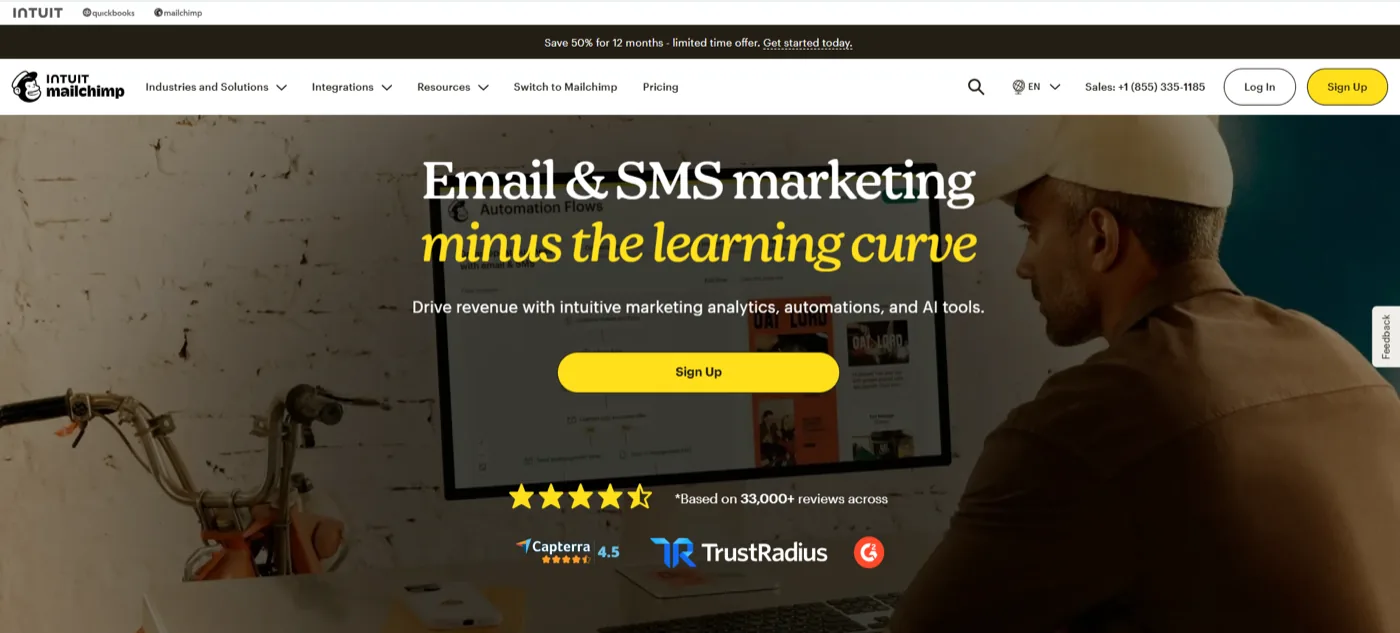
Let’s start with something important: you don’t necessarily need to leave Mailchimp.
Mailchimp handles segmentation, automated email flows, campaigns, analytics, and other marketing activities. Its segmentation can target contacts based on information and behaviour. These are all capable features — the question is whether they fit how you actually run your business.
For many coaches, the challenge isn’t sending emails. It’s knowing what to send, when to send it, and who should receive it.
A coach’s journey often looks like this:
Lead → Nurture → Discovery call → Follow-up → Decision → Client
That’s very different from sending a weekly newsletter to a list. You may need one sequence for someone who downloaded your lead magnet, another for someone who booked a call, and another for someone who attended a workshop but didn’t buy. Your email platform should make these journeys manageable, not turn them into another full-time project.
Your automation is becoming harder to manage
Automation is supposed to save you time. But overcomplicating it with too many tools can leave you wondering whether it’s really right for your business.
Not every coach needs an enterprise marketing system. If your main goal is to capture leads, nurture them, follow up after conversations, and stay in touch, a platform packed with features you never use adds unnecessary overhead. More features can be useful — but more features don’t mean better results.
You want your email system to support your sales process
This is perhaps the biggest consideration. For a coach or consultant, email is often part of the sales process.
You take a prospect from interest to consideration, then to a booked discovery call. They may go quiet afterward because they need time to think. You follow up, nurture them, and eventually they decide.
Your email platform should support that and make it easy to move prospects through the journey consistently — because getting someone interested is only the beginning.
What to Look for in an Alternative

Image by cookie_studio on Magnific
Before comparing platforms, decide what actually matters to your business.
1. Easy-to-build email sequences. You should be able to create a welcome sequence, nurture sequence, or discovery-call follow-up without becoming an automation specialist. If building a five-email sequence feels like a technical project, the platform may be too complicated for your needs.
2. Automation. Look for automation that triggers emails based on meaningful actions — a signup, form submission, purchase, or another event. The goal is simple: the right person receives the right follow-up without you remembering to send it.
3. Segmentation. Not everyone on your list needs the same message. Your audience could include prospective clients, current clients, former clients, course students, discovery-call leads, newsletter subscribers, and people interested in different offers.
4. Lead capture. Your email tool should match how people enter your world — a lead magnet, website form, webinar, course signup, or consultation request.
5. Analytics. You need enough information to understand what’s happening: opens, clicks, engagement, unsubscribes, sequence performance. But for a coaching business, the bigger question is whether your email activity leads to more conversations, booked calls, and clients.
6. Ease of use. This matters more than many people realise. A powerful platform you avoid is not more valuable than a simpler platform you use consistently.
7. Pricing as your business grows. Don’t only look at the entry-level price. Check how pricing changes as your contact list grows, and which features are included at the level you need. A cheap platform can become expensive if the feature you need is locked behind a higher plan.
The 7 Alternatives
No single platform fits every business. A coach selling one-on-one coaching may need something very different from a course creator running evergreen funnels. Here are seven worth considering.
1. Maildesk
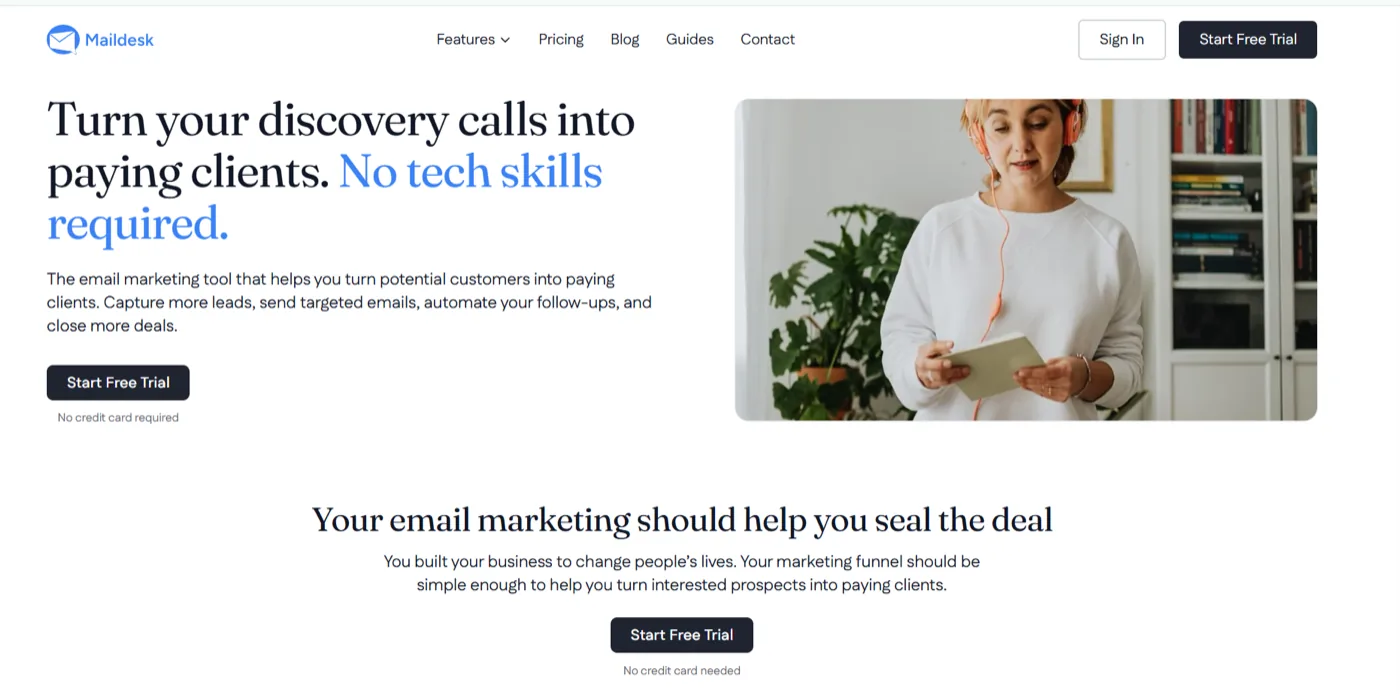
Best for: coaches and consultants who want simple email automation and follow-up
Maildesk is built around a straightforward idea: your email system should help you follow up with people who have already shown interest.
For coaches and consultants, that means building sequences around the conversations that matter most. Someone downloads your resource. Someone books a discovery call. Someone expresses interest but isn’t ready to buy. Someone says “let me think about it.”
These aren’t just email subscribers — they’re people somewhere along your path from interest to client. Maildesk helps you create automated sequences around those moments, so the conversation continues without you manually remembering who needs a follow-up.
What coaches use it for: discovery-call follow-up, lead nurturing, new lead sequences, prospect follow-up, educational sequences, segmented communication, re-engagement, and moving prospects toward the next step.
The key distinction is that your emails don’t exist in isolation. They’re part of a larger journey:
Interest → Trust → Decision → Client
That’s particularly useful if your business depends on discovery calls or inbound inquiries.
The tradeoff. Maildesk may not be the right choice if you need a sophisticated CRM, complex enterprise sales operations, or a large all-in-one marketing infrastructure. And that’s fine — the goal isn’t to find the platform with the longest feature list. It’s to find the one that fits the job you need done.
2. Kit
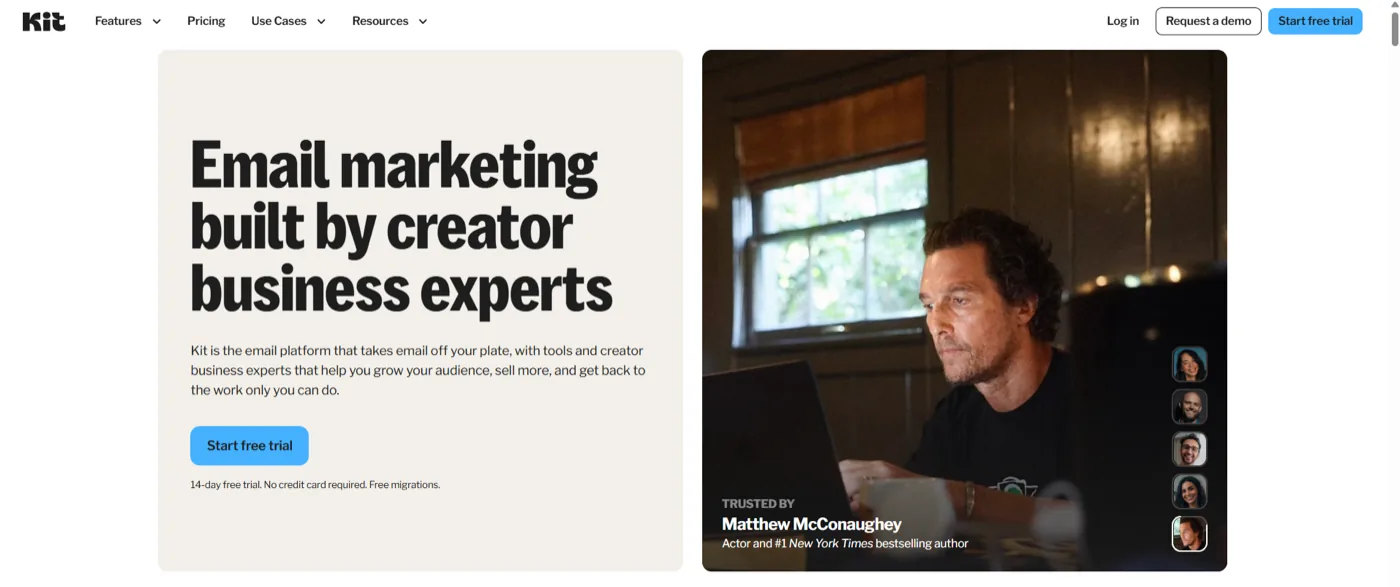
Best for: creators, educators, writers, and course creators
Kit is built around creators, offering email marketing, subscriber management, segmentation, and visual automations. Its automation tools let creators build subscriber journeys based on actions such as clicks, purchases, and engagement, with templates for common use cases.
That makes it worth considering if your business is heavily driven by content and audience building. A course creator might have a journey like:
Free guide → Email sequence → Webinar → Course offer
Kit is particularly relevant if your business revolves around building an audience, publishing regular content, lead magnets, courses, digital products, and automated nurture sequences.
The tradeoff. If your biggest need is a broader CRM or a highly structured sales pipeline, you may want something designed around those functions. Kit makes most sense when your email list and content are central to your business.
3. ActiveCampaign
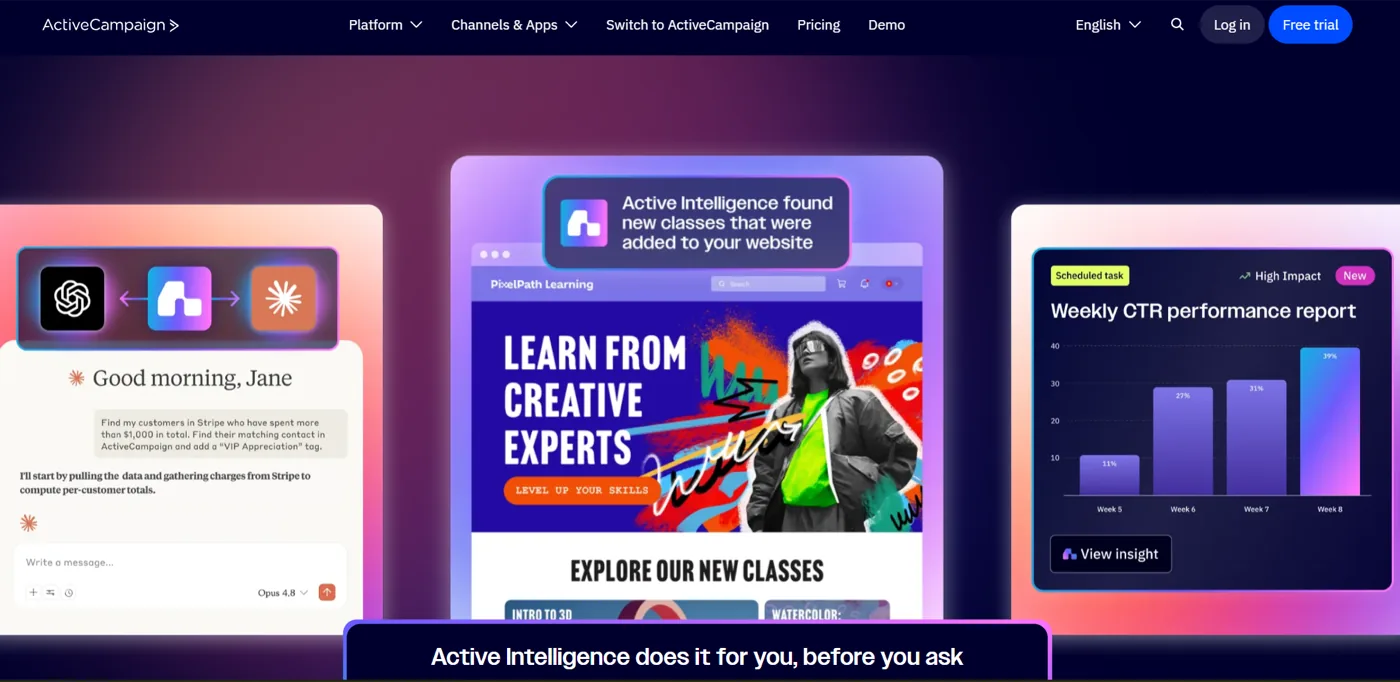
Best for: businesses that need advanced automation
ActiveCampaign is designed for businesses that want more sophisticated marketing automation, with tools to create and personalise campaigns and build more complex email flows.
This can be useful for a consultant or coaching business with a more complicated customer journey — where you want different sequences depending on what offer someone is interested in, which emails they clicked, whether they booked a call, whether they purchased, how engaged they are, and what stage they’re at in your sales process.
It becomes more attractive as your marketing system becomes more sophisticated: multiple offers, a larger audience, a longer sales cycle, or advanced automation requirements.
The tradeoff: complexity. Don’t choose an advanced platform just because it can do more. If you only need three or four straightforward sequences, a highly sophisticated automation system gives you more to manage than you actually need.
4. MailerLite
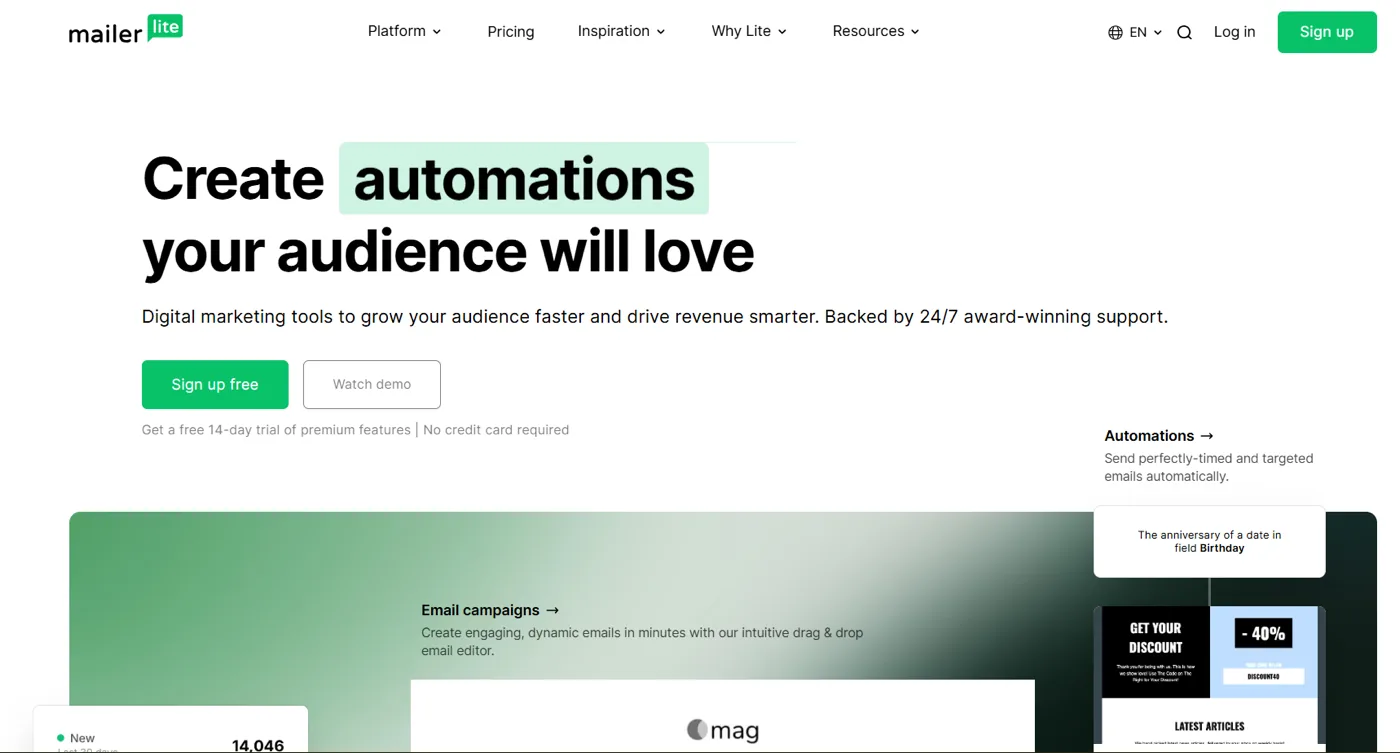
Best for: small businesses that want straightforward email marketing
MailerLite offers email campaigns, automation, landing pages, signup forms, websites, and other audience-growth tools. Its automation builder supports triggers, conditions, and actions.
That makes it practical for a coach who wants to combine email marketing with basic lead-generation infrastructure — create a lead magnet, collect email addresses, and automatically send a nurture sequence after someone signs up.
It’s a good fit if you want email campaigns, automated sequences, signup forms, landing pages, audience segmentation, and a relatively straightforward interface.
The tradeoff. MailerLite is a general-purpose email marketing platform. If your main concern is a coaching-specific follow-up process, compare how easily it supports the exact journey you want to build.
5. HubSpot
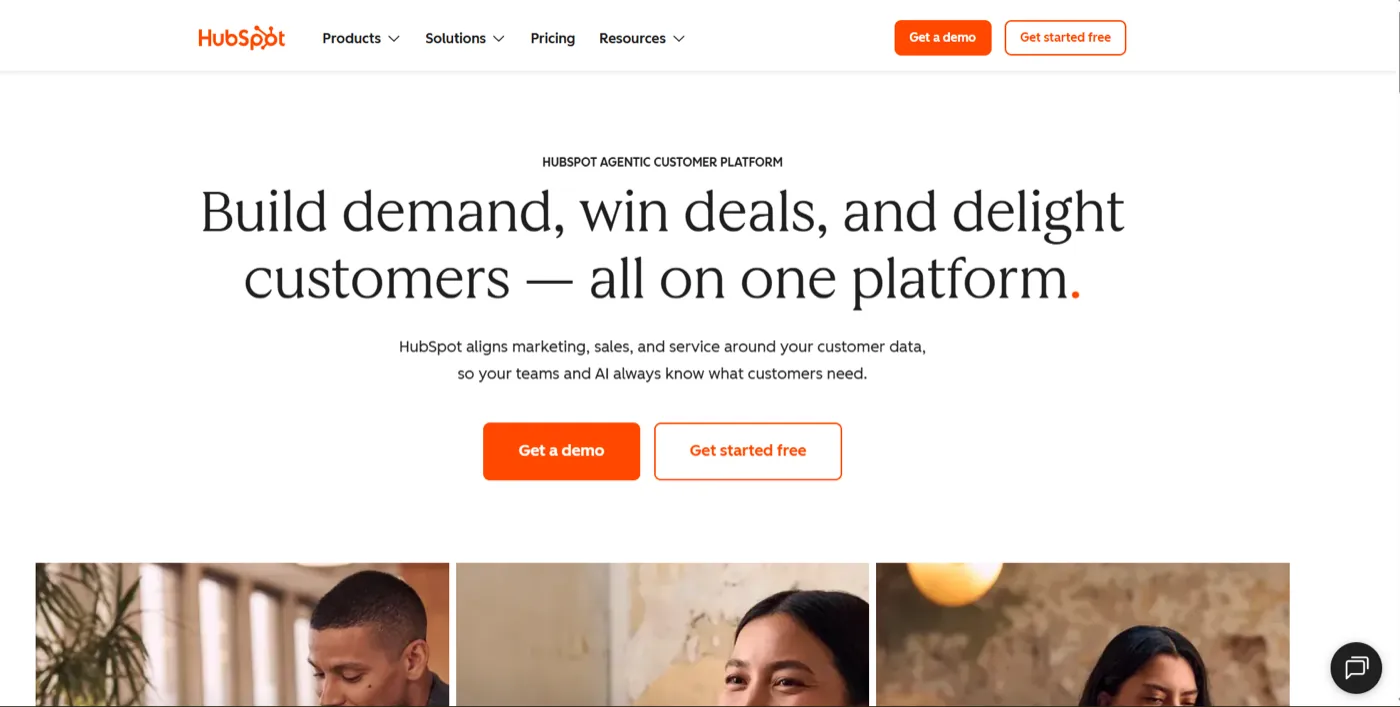
Best for: coaches and consultants who want email connected to a CRM
HubSpot takes a broader approach. Its email tools let you create marketing emails and automate follow-up, while its CRM provides contact data you can use to personalise and trigger communication.
That’s valuable if your business has moved beyond basic email marketing and you want sales and marketing connected — tracking contact information, conversations, sales activity, marketing engagement, follow-up, and customer history in one place.
Consider it if your business needs more than an email platform: building a sales pipeline, working with a team, or managing more prospects.
The tradeoff. You’re stepping into a broader system. That helps if you need it, but adds unnecessary complexity if you just want a few good nurture sequences and consistent follow-up.
6. Brevo
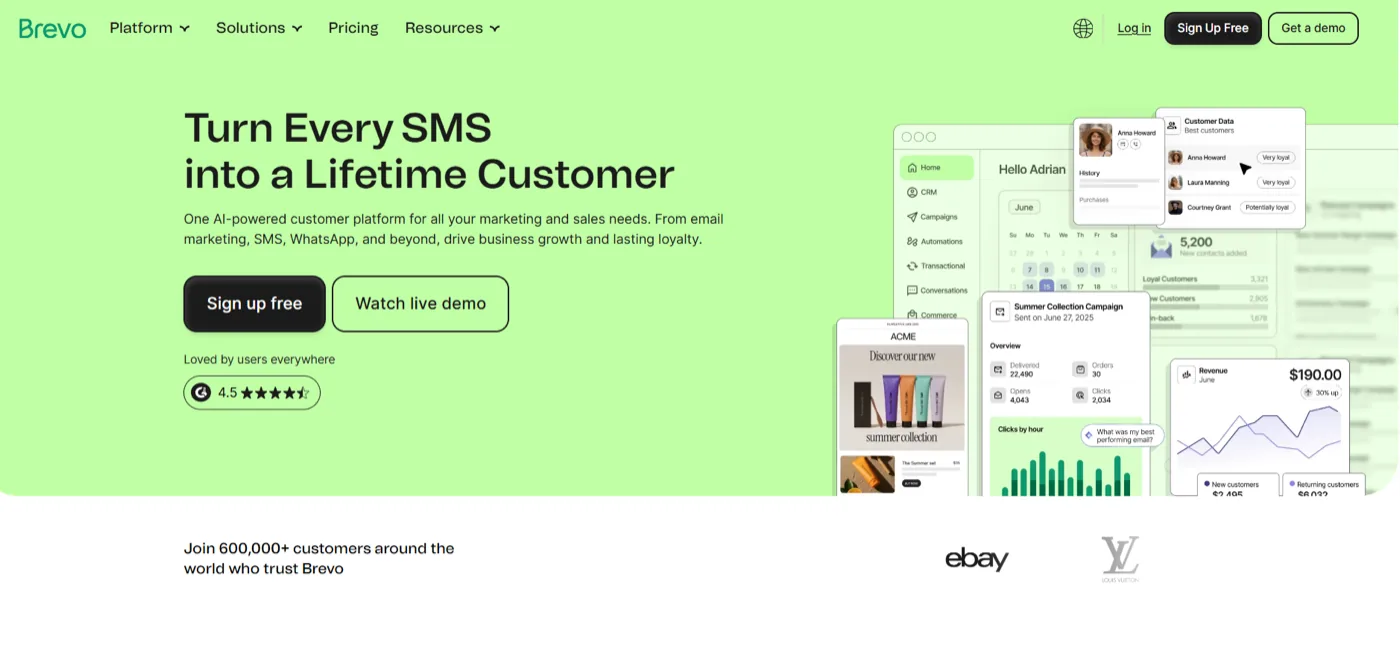
Best for: businesses looking for email automation and broader communication tools
Brevo provides email marketing and automation, including workflows that trigger emails based on defined events. This may be worth considering if your communication needs go beyond regular newsletters — automating a welcome sequence, following up after an action, or communicating with segments based on behaviour.
The tradeoff. Again, start with the job you need done. If your main goal is to nurture leads and follow up after discovery calls, you don’t need every communication feature available.
7. Systeme.io
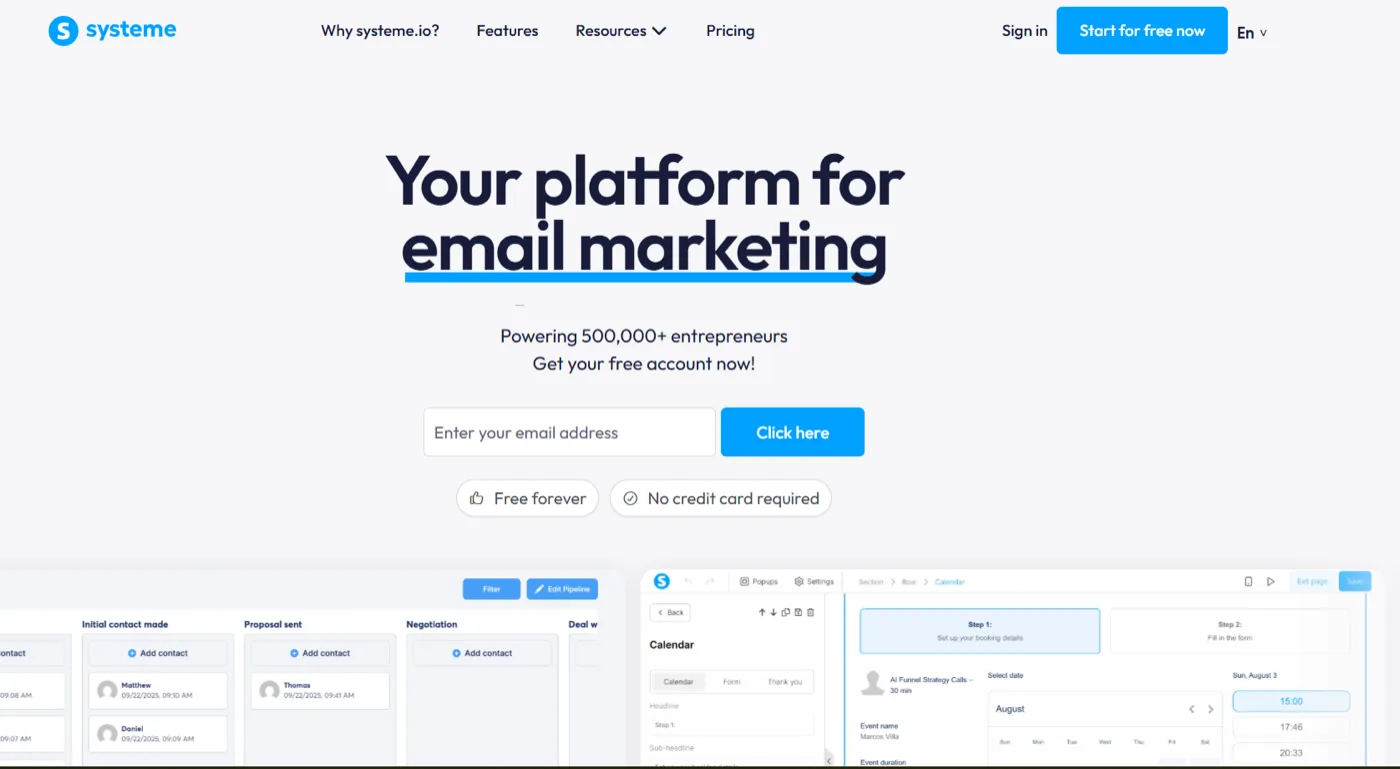
Best for: coaches and course creators who want funnels, courses, and email in one platform
Systeme.io takes an all-in-one approach, combining email marketing with funnels, automation, courses, and other online-business tools. Its email tools support broadcasts, automated sequences, contacts and tags, and it supports selling courses through its funnel and order-form infrastructure.
This can be attractive to a course creator who wants several parts of the business in one place:
Landing page → Lead capture → Email sequence → Sales funnel → Course
The tradeoff. All-in-one doesn’t always mean simpler. If you already have a website, course platform, funnel builder, and email tool that work well together, moving everything into one platform may not improve your workflow.
The Alternatives at a Glance
| Platform | Best suited for | Automation | CRM | Courses |
|---|---|---|---|---|
| Maildesk | Coach and consultant follow-up | Yes | — | — |
| Kit | Creators and course creators | Yes | Limited | — |
| ActiveCampaign | Advanced marketing automation | Yes | Yes | — |
| MailerLite | Small businesses and creators | Yes | Limited | — |
| HubSpot | CRM + marketing | Yes | Yes | — |
| Brevo | Email and broader communication | Yes | Some CRM capabilities | — |
| Systeme.io | Courses, funnels, and email | Yes | Limited | Yes |
This table is not a ranking. Each platform is solving a slightly different problem. Your job is to identify which problem you actually need solved.
Which One Is Right for You?
Instead of asking “which platform is the best?”, ask: “what does my business need my email platform to do?” That usually makes the decision much easier.
If you’re focused on discovery calls and client acquisition, your priority probably isn’t advanced ecommerce automation. You need to capture interest, nurture prospects, follow up after conversations, and stay in touch until someone is ready to decide. Look for simple automation, easy-to-build sequences, segmentation, lead capture, and reliable follow-up.
If you’re a consultant with a longer sales cycle, your needs may be broader. You may need to know where a prospect is in your sales process, what they’ve interacted with, and what should happen next. CRM functionality and more advanced automation become more important — HubSpot and ActiveCampaign are worth evaluating.
If you’re a course creator, your email system may need to support a different journey:
Lead magnet → Nurture → Webinar → Course launch → Purchase → Student onboarding
Creator-focused or all-in-one platforms such as Kit and Systeme.io may be worth exploring.
If you’re building a newsletter or content business, your priorities may be simpler: subscriber growth, broadcasts, segmentation, content delivery, automated welcome sequences, and monetisation. A creator-focused platform may make more sense than a CRM-heavy system.
If you want an all-in-one platform, think about the tradeoff between convenience and complexity. It can reduce the number of tools you need — but ask: “will I actually use all of this?”
The best system isn’t the one that gives you the most software. It’s the one that makes your most important work easier.
Mailchimp vs Maildesk

Image by Magnific
Mailchimp is a broad email marketing platform with tools for campaigns, segmentation, automation, analytics, landing pages, and other marketing activities.
Maildesk takes a narrower approach — helping coaches, consultants, and course creators create straightforward email sequences and automate follow-up.
That difference matters. Mailchimp can support many types of marketing workflow. Maildesk is designed around a more specific problem: what happens after someone shows interest?
Think about a prospect who books a discovery call. The call goes well. They’re interested. Then they say they need time to think.
What happens next? You could make a note to follow up in a few days. You could rely on your memory. Or you could have a sequence ready to continue the conversation automatically.
That’s what email automation should help you do. It isn’t about sending more emails — it’s about making sure good conversations don’t quietly disappear because you got busy.
For a fuller side-by-side, see Maildesk vs Mailchimp.
Who should consider Maildesk?
Maildesk may be a good fit if you’re a coach, consultant, course creator, solo business owner, or small team — particularly if your business relies on discovery calls or inbound inquiries and you want simpler email follow-up.
If you need a sophisticated CRM, complex sales operations, or a large enterprise marketing ecosystem, another platform may make more sense. There’s nothing wrong with that. The right tool matches your business.
You Don’t Always Need More Features
When comparing email platforms, it’s easy to get distracted by feature lists. One has advanced analytics. Another has dozens of integrations. Another has AI tools, or a CRM, or SMS, or landing pages and websites and courses and funnels.
It can feel like you’re choosing between seven different versions of “more.” But more is not always what your business needs.
Ask yourself: what happens between someone becoming interested in my business and becoming a client? For many coaches, that looks like:
Interest → Trust → Decision → Client
Your email sequence should help move someone through that journey. It might educate them, answer common objections, remind them why they reached out, show them what working with you looks like, or simply clarify the next step.
Don’t build a complicated system just because the software lets you. Build the simplest system that reliably does the job.
How to Switch Platforms
If you decide Mailchimp is no longer the right fit, don’t rush into migration. Start with your current system.
Step 1: Audit your setup. Look at your contacts, audiences, tags, segments, forms, automations, campaigns, and email templates. You may discover you’re using far less than you thought — that’s useful information.
Step 2: Identify what you actually need. Separate requirements into must have (features your business genuinely depends on) and nice to have (features that sound useful but aren’t essential). This distinction can save you from paying for software you don’t need.
Step 3: Rebuild your most important sequence first. Don’t recreate everything at once. Start with the sequence closest to revenue — for many coaches that’s New lead → Nurture → Discovery call → Follow-up → Decision. Once that works, move on.
Step 4: Clean your list. Review your subscribers and organise them properly. Make sure you understand who should receive marketing emails, and that your new setup still follows applicable consent and privacy requirements.
Step 5: Test everything. Before switching completely, test forms, links, personalisation, automation triggers, email timing, segmentation, mobile formatting, and deliverability. A sequence that looks perfect in the editor can still have a broken link or an incorrect trigger.
Step 6: Watch what happens after the switch. Don’t judge the new platform only by whether emails were delivered. Are people replying? Are more prospects booking calls? Are conversations continuing? Are you spending less time manually following up? Those are the signals that matter.
What to Measure After Switching
Email metrics are useful, but they aren’t the whole story. Monitor three levels of performance.
Email metrics
Open rate, click-through rate, unsubscribe rate, bounce rate, engagement. These help you understand how your emails are performing — but they don’t tell you everything.
Lead metrics
Replies, discovery calls booked, qualified conversations, follow-up engagement, leads moving to the next stage. These tell you whether your emails are creating movement.
Business metrics
How many leads become clients, how many discovery calls lead to further conversations, revenue generated where attribution is possible, and how much manual follow-up you’ve eliminated.
Because your goal isn’t to become really good at sending emails. Your goal is to build a business.
Choose the Tool That Fits Your Sales Process

Image by wirestock on Magnific
Choosing an email platform isn’t really about picking the one with the most features. It’s about choosing the system that helps you do the work that matters. For a coach, that often means:
Capture interest → Build trust → Follow up → Make the next step clear → Convert the right prospects into clients
If your business needs advanced CRM functionality, complex automation, or an all-in-one marketing ecosystem, there are platforms built for that. But if you just need a simple way to create email sequences, nurture prospects, and consistently follow up with people who’ve shown interest, you don’t need to make the process more complicated than it is.
That’s where Maildesk fits — helping coaches, consultants, and course creators automate their email follow-up so they spend less time wondering who to contact next, and more time having the conversations that move their business forward.
Ready to simplify your follow-up? Start your free Maildesk trial and build your first email sequence.
Frequently asked questions
What is the best Mailchimp alternative for coaches?
What is the best email marketing platform for consultants?
What is the best Mailchimp alternative for course creators?
Is Mailchimp good for coaches?
Can I move my email list from Mailchimp?
← Back to compare