By Ozioma Onwumah · Content Marketer at Maildesk ·
ConvertKit Alternatives for Coaches: 7 Email Platforms to Consider
Seven ConvertKit (Kit) alternatives compared for coaches, consultants and course creators — what each is best suited for, the tradeoffs, and how to choose by customer journey.

Choosing an email marketing platform is easy when all you want to do is send newsletters. As your business expands and becomes more than just sending newsletters — also attracting, nurturing, and converting clients — the need for an email platform that can handle all of this becomes important.
As a coach, consultant, or course creator, you may use email to capture leads, follow up after discovery calls, promote a course, onboard clients, or reconnect with prospects. So the question is not simply, “Which platform has the most features?” It is, “Which platform fits the way I actually run my business?”
ConvertKit, now known as Kit, is built for creators and offers tools for email, automation, audience management, commerce, and more. But that does not automatically make it the right fit for every business. In this guide, we’ll explore seven ConvertKit alternatives and which is best for coaches, consultants and course creators.
What’s in This Guide
- Why Are Coaches Looking for ConvertKit Alternatives?
- What Should Coaches Look for in a ConvertKit Alternative?
- 7 ConvertKit Alternatives for Coaches, Consultants, and Course Creators
- 1. Maildesk
- 2. ActiveCampaign
- 3. Beehiiv
- 4. Flodesk
- 5. Kajabi
- 6. Systeme.io
- 7. MailerLite
- ConvertKit Alternatives at a Glance
- ConvertKit vs. Maildesk: What’s the Difference?
- How to Choose the Right ConvertKit Alternative
- How to Switch From ConvertKit to Another Email Platform
- Common Mistakes to Avoid
- Choose the Platform That Fits Your Business
Why Are Coaches Looking for ConvertKit Alternatives?
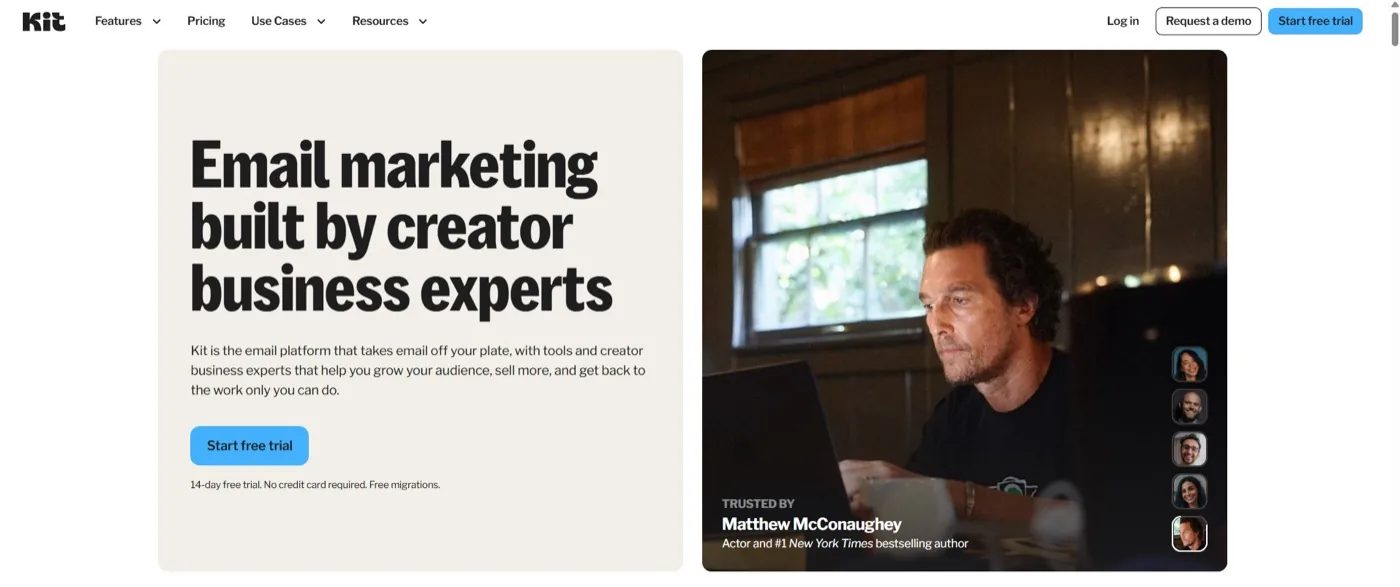
Kit is designed around the creator economy. It positions itself as an email-first operating system for creators, with tools for email, audience management, automation, recommendations, commerce, and integrations. For many creators, that’s exactly what they need.
But coaches and consultants often have a slightly different business model. The focus for coaches and consultants is not emails or newsletters that generate revenue or monetizing an audience through sponsorships or digital products; it is on converting interest into booked discovery calls and eventually booked sessions.
This need makes all the difference, and coaches and consultants must take this into account. Here are more reasons to consider an alternative to Kit.
Your business may have moved beyond newsletters
A simple email strategy might look like this:
Get subscriber → Send newsletter
But a coaching or consulting business often looks more like:
Attract lead → Capture lead → Nurture → Book discovery call → Follow up → Convert → Onboard
Each stage creates a different communication need. You might need a welcome sequence for new leads, a nurture sequence for people who are not ready, a follow-up sequence after a discovery call, and a separate onboarding sequence after someone becomes a client. Your email platform needs to support that journey without making you spend hours figuring out how everything connects.
Your business may be more focused on client acquisition
Consider the difference between two creators. The first runs a newsletter with 50,000 subscribers and earns revenue from sponsorships, digital products, and paid subscriptions. The second is a business coach with 1,500 subscribers who sells $3,000 coaching packages.
Both need email. But they may measure success very differently. The newsletter creator may care about subscriber growth, engagement, referrals, and newsletter revenue.
The coach may care about:
- Qualified leads
- Discovery calls
- Follow-up
- Conversion
- Client acquisition
- Revenue per client
Neither approach is wrong. They simply require different priorities from an email platform.
Your automation needs may have become more specific
As your business grows, sending a welcome email may no longer be enough. You might need different journeys for:
- Someone who downloaded your lead magnet
- Someone who attended your webinar
- Someone who booked a discovery call
- Someone who completed a discovery call
- Someone who received a proposal
- Someone who said they need time to think
- Someone who became a client
- Someone who stopped engaging
At that point, the question isn’t whether a platform has automation; almost every serious email platform does. The better question is whether you can build the right automation for your customer journey without unnecessary complexity.
You may simply want something easier to manage
This is worth saying because it is easy to get distracted by feature lists. More features are not automatically more useful. If you are a solo coach and only need forms, segmentation, automated follow-up, newsletters, and basic analytics, a platform with a huge marketing ecosystem may give you capabilities you never use.
The best platform is not necessarily the one with the longest feature list. It is the one that helps you do the work that actually matters.
What Should Coaches Look for in a ConvertKit Alternative?

Image by kues on Magnific
Before comparing platforms, clarify what you actually need. Focus on these areas.
1. Ease of automation
Can you build the sequences you need without needing a developer? For a coach or consultant, that might include:
- Welcome sequences
- Lead nurture
- Discovery-call follow-up
- Proposal follow-up
- Re-engagement
- Client onboarding
If creating a simple sequence feels like building software, the platform may not fit your workflow.
2. Segmentation
Your entire list doesn’t need to receive the same message. Someone who just downloaded your guide is in a different position from someone who has already spoken to you.
Good segmentation allows you to separate contacts based on things such as:
- Interest
- Behavior
- Offer
- Customer status
- Engagement
- Stage in the buying journey
This lets you send more relevant emails instead of treating every subscriber the same.
3. Lead nurturing
Not everyone who joins your list is ready to buy. Some people need more education. Others need more trust. Some are interested, but the timing is off. Your platform should make it easy to keep these people engaged without manually emailing each one.
4. Follow-up
This deserves special attention for coaches and consultants. Your email platform should provide answers to questions like: What happens after someone books a call? What happens after the call? What happens when they don’t make a decision? What happens when they go quiet?
A good follow-up system helps you stay present without making every email feel like a sales pitch.
5. CRM or customer management
If your business involves many high-value conversations, you may need more than an email database. You may want to understand where someone is in your sales process and what has already happened in the relationship. This is particularly important for consultants and coaches who sell through conversations rather than checkout pages.
6. Course and digital-product capabilities
If you’re a course creator, email is only part of your business. You may also need:
- Course delivery
- Memberships
- Payments
- Product sales
- Student onboarding
- Launch campaigns
In that case, an all-in-one platform may make more sense than using an email platform alongside several other tools.
7. Forms and landing pages
Your email system should make it easy to turn attention into subscribers. Look at whether the platform can help you create:
- Signup forms
- Lead magnet forms
- Landing pages
- Registration pages
The fewer unnecessary tools you have to connect, the easier your system is to manage. (Forms are usually the first thing to check here.)
8. Analytics
Don’t just look for an analytics dashboard. Ask what questions the data helps you answer. For example:
- Which emails are getting clicks?
- Which sequences are generating replies?
- Which lead sources produce the best prospects?
- Where are people dropping out?
- Which campaigns are contributing to sales?
The goal of analytics is not to collect numbers. It is to make better decisions.
9. Pricing as your business grows
Don’t only look at today’s price. Think about what happens when your list grows. Look at:
- Subscriber limits
- Automation limits
- Contact management
- Features available at each tier
- Whether inactive contacts affect your bill
- Whether you will need to upgrade for features you actually need
Pricing models change, so always check the current plan details before switching.
10. Migration and support
Switching platforms can be more work than expected. You may have to move:
- Subscribers
- Tags
- Segments
- Forms
- Sequences
- Automations
- Integrations
A platform that helps with migration can save you a lot of time.
7 ConvertKit Alternatives for Coaches, Consultants, and Course Creators
No single alternative makes sense for everyone. Instead, let’s look at these platforms according to the business problem they are best positioned to solve.
1. Maildesk: Best for Client-Focused Follow-Up and Simple Automation
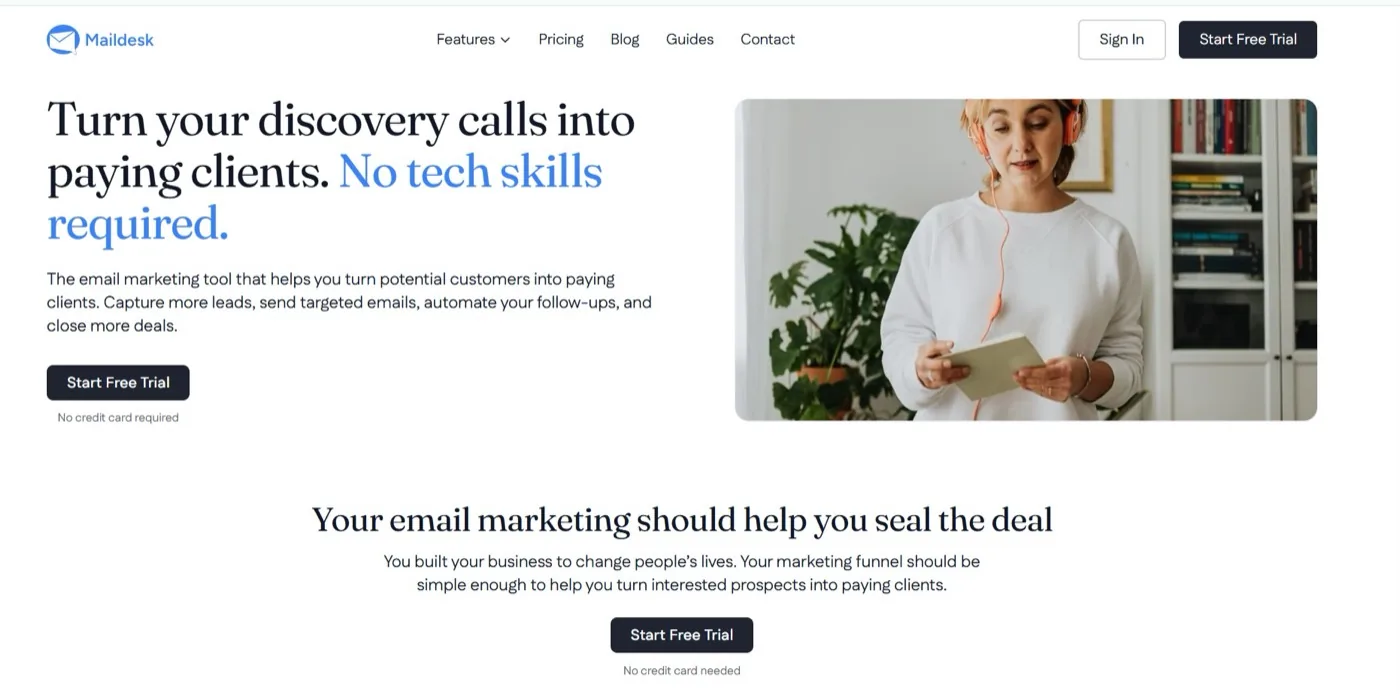
If your biggest email marketing challenge is turning interested prospects into conversations and clients, Maildesk takes a different approach from a traditional creator-first platform. Maildesk is designed for coaches, consultants, and creators, with forms, campaigns, automations, segmentation, and other tools built to turn a list into booked clients.
The key difference is the workflow. Instead of thinking only about:
Subscriber → Newsletter
you can think about:
Lead → Nurture → Conversation → Follow-up → Client
That distinction is important if your business depends heavily on discovery calls and personal selling.
What Maildesk is useful for
You can use it for workflows such as:
- Lead magnet follow-up
- Welcome sequences
- Lead nurturing
- Discovery-call follow-up
- Re-engagement
- Client communication
The goal is to automate the repetitive parts while keeping your communication personal.
Who should consider Maildesk?
Maildesk can make sense if you are:
- A coach selling services
- A consultant generating leads online
- A course creator who relies on nurturing before a sale
- A small team that wants a straightforward email system
- A business that wants to reduce manual follow-up
Maildesk also offers list migration support, which can help if moving your contacts and rebuilding your system is holding you back.
Who might need something else?
If your business is primarily a newsletter publication, you may want a platform built around newsletter growth and monetization. If you need a very advanced CRM and complex marketing automation, you may want a more extensive system. And if your priority is hosting an entire course business under one roof, an all-in-one platform may be a better fit.
The point is not to choose the platform with the most features. Choose the platform that matches the work you need it to do.
2. ActiveCampaign: Best for Advanced Marketing Automation
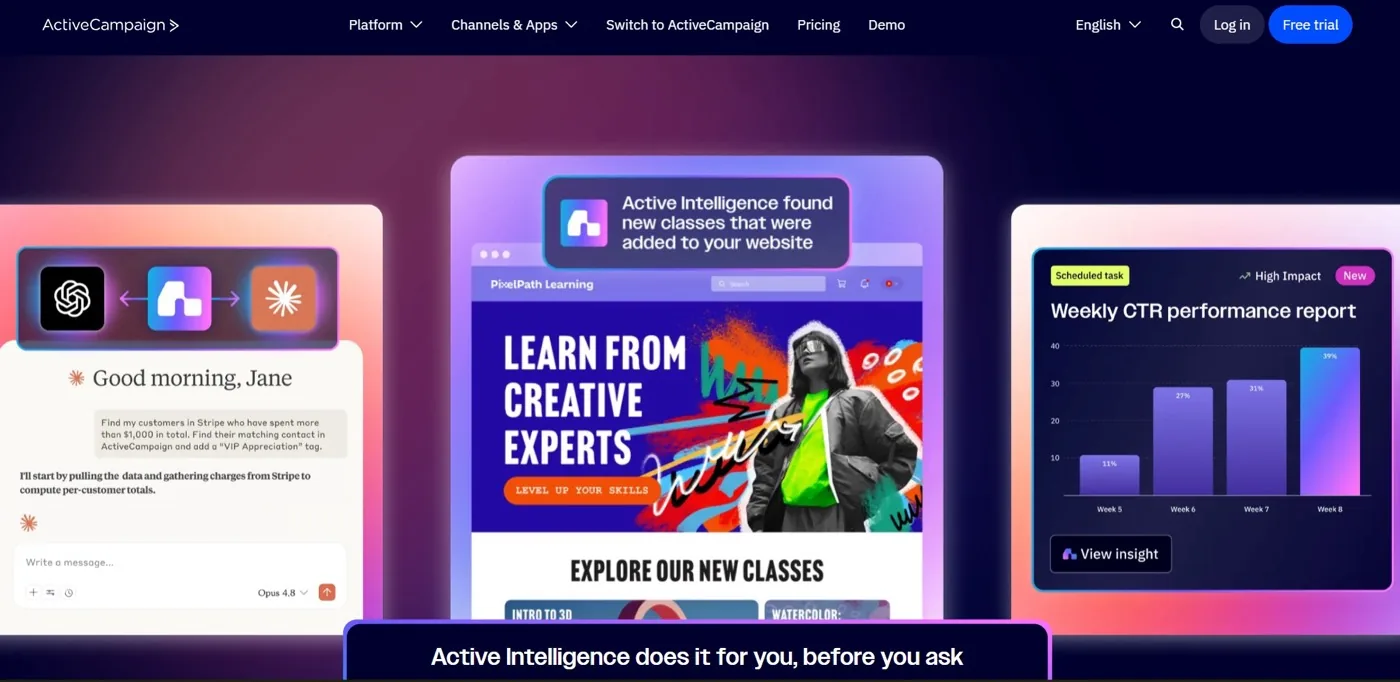
ActiveCampaign is worth considering if your business has outgrown simple email sequences and needs more sophisticated automation. The platform combines email marketing and automation with a broader business and CRM ecosystem. Its current platform emphasizes automated customer journeys, personalization, integrations, and AI-assisted marketing workflows.
Where it fits
ActiveCampaign can be useful for businesses with more complex customer journeys, multiple segments, and advanced automation requirements. For example, you may want a workflow that changes depending on whether someone:
- Opens an email
- Clicks a link
- Books a call
- Purchases something
- Reaches a particular stage
Who should consider it?
It may make sense for:
- Established consulting businesses
- Larger coaching businesses
- Teams with more complex sales processes
- Businesses that need CRM functionality alongside marketing automation
The trade-off
More flexibility can also mean more complexity. If your biggest problem is simply forgetting to follow up with interested prospects, you may not need an extensive automation ecosystem.
Sometimes you need sophisticated automation. Sometimes you need a simple system that you will actually use.
3. Beehiiv: Best for Newsletter-First Businesses
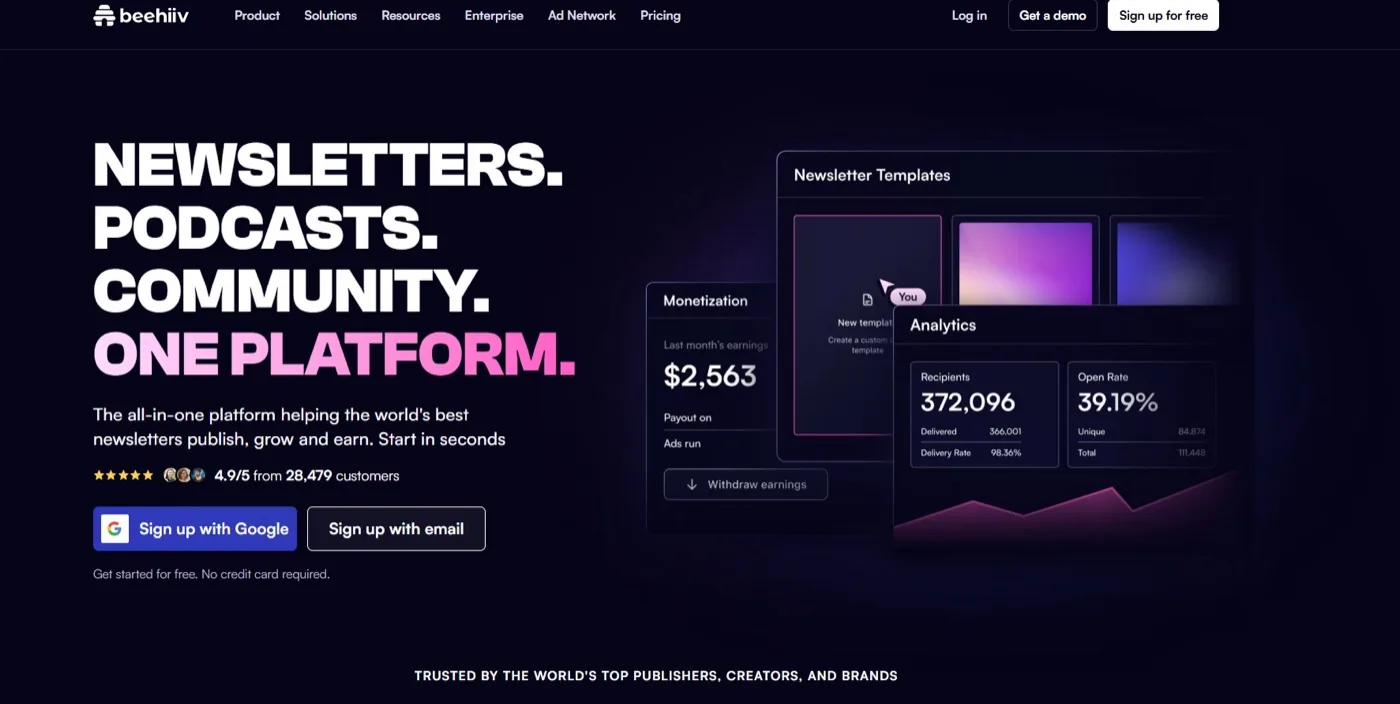
Beehiiv takes a different approach to email. It is heavily focused on newsletters and audience growth, with features for publishing, referrals, recommendations, automation, analytics, paid subscriptions, sponsorships, and digital products. That makes it particularly interesting if your newsletter is central to your business.
Who should consider it?
Think about beehiiv if you are building:
- A large newsletter
- A media-style business
- A content-first creator brand
- A newsletter monetized through subscriptions or sponsorships
What about coaches?
A coach with a substantial newsletter audience may find this model attractive. But consider the purpose of your email list. If your primary goal is:
Grow newsletter → Monetize audience
Your needs may be different from someone whose goal is:
Generate lead → Book call → Follow up → Close client
That distinction should guide your decision.
4. Flodesk: Best for Coaches Who Prioritize Simplicity and Design
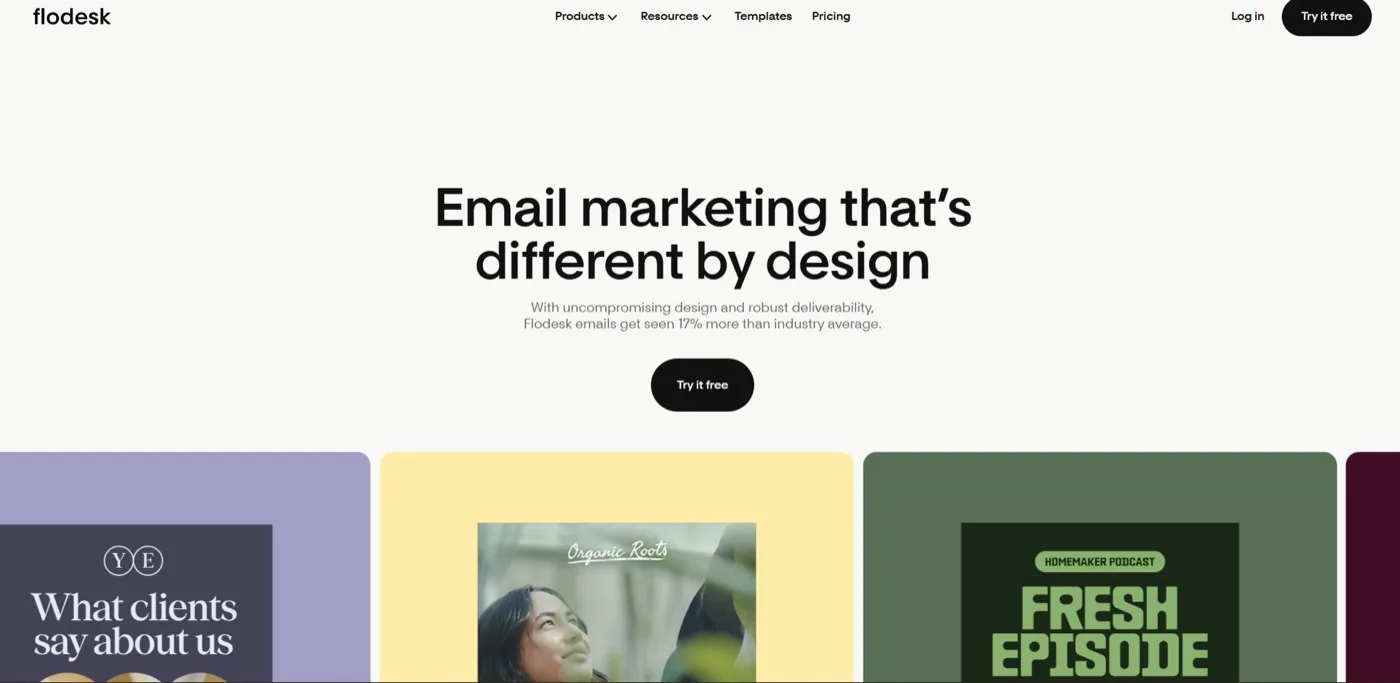
Flodesk has built much of its appeal around visual email creation and a relatively simple user experience. Its current offering includes email marketing, audience segmentation, forms, landing pages, workflows, analytics, and, on higher plans, commerce features.
Its workflow system can handle sequences such as welcome emails, freebie delivery, nurture campaigns, sales sequences, purchase follow-up, and re-engagement.
Who should consider it?
Flodesk may be a good fit for:
- Personal brands
- Coaches who care strongly about visual presentation
- Creators who want attractive emails without a complicated design process
- Small businesses with straightforward automation needs
The trade-off
If your business needs increasingly sophisticated CRM capabilities or a highly complex sales process, you may eventually need a more extensive system. The right question is: Do I need more complexity, or do I need to make the essentials easier?
5. Kajabi: Best for Coaches and Course Creators Who Want an All-in-One Platform
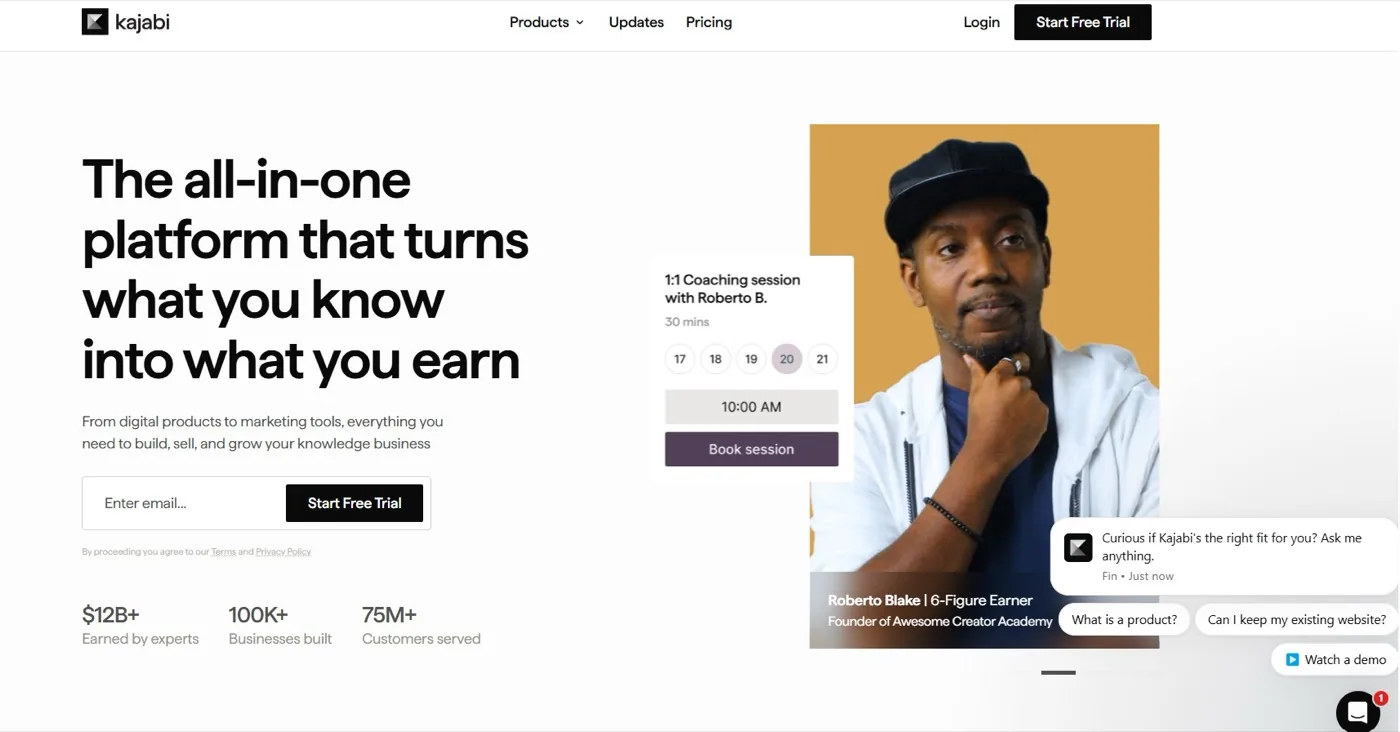
Kajabi isn’t just an email marketing platform. It is an all-in-one platform designed for knowledge businesses, with products like courses and coaching alongside marketing capabilities. That makes it particularly relevant to coaches and course creators who want to consolidate multiple parts of their business.
You might consider Kajabi if you need:
- Online courses
- Coaching products
- Marketing tools
- Digital product delivery
- Website functionality
- Sales infrastructure
Who is it best suited for?
Consider it if you are building a business where your email system is closely connected to your courses, coaching programs, and digital products.
The trade-off
An all-in-one platform can simplify your technology stack, but it can also give you more than you need. If your primary problem is:
“I have interested leads, and I’m not following up consistently.”
You may not need an entire business operating system. If your problem is:
“I want to bring my courses, coaching, website, marketing, and products into one ecosystem.”
The calculation is different.
6. Systeme.io: Best for Coaches Who Want Funnels, Email, and Courses Together
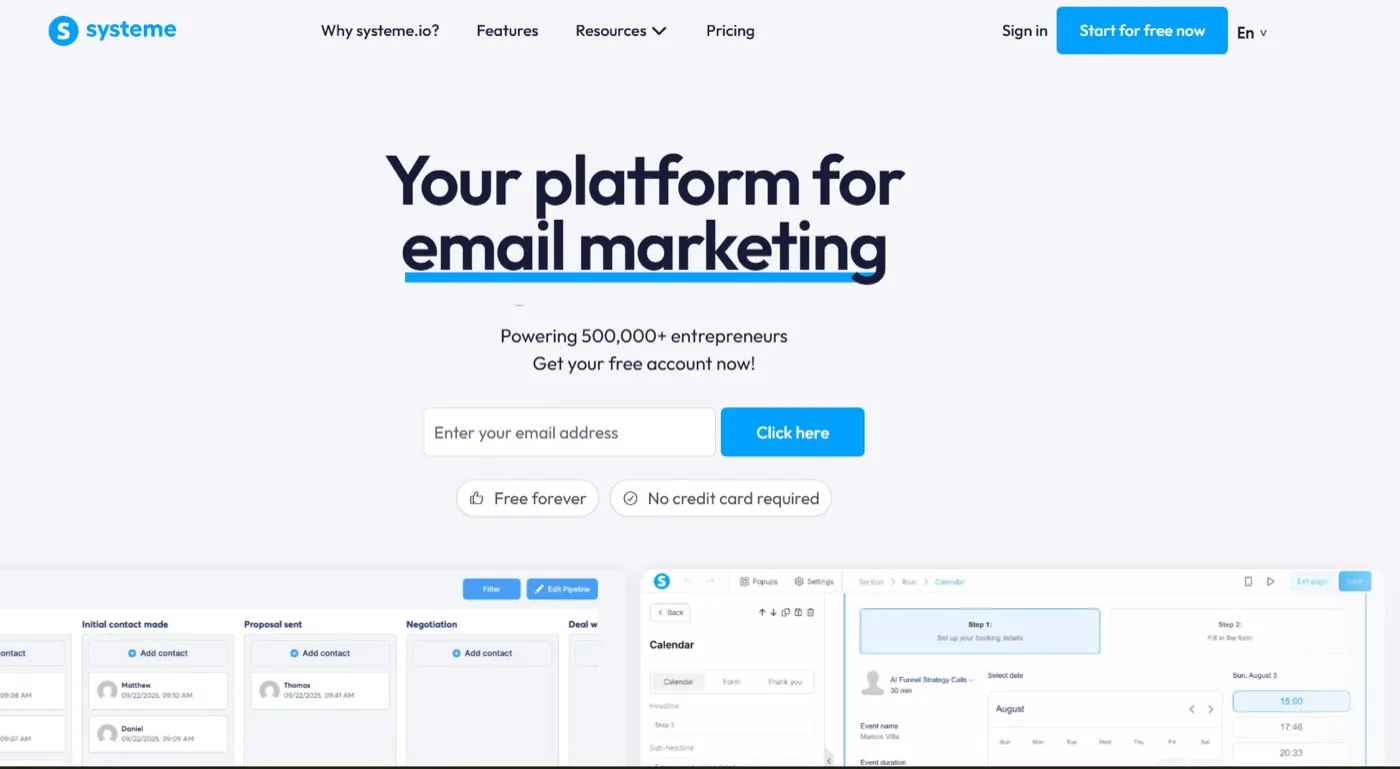
Systeme.io also takes an all-in-one approach. Its platform combines sales funnels, email marketing, automation, courses, payments, websites, and other business tools. Its email system supports broadcasts, automated sequences, tagging, segmentation, and integration with its funnels and courses.
Its automation system can trigger actions based on events such as signups, purchases, link clicks, or dates, and can connect those actions to emails, tags, course access, and funnels.
Who should consider it?
It may make sense if you are:
- Building sales funnels
- Selling courses
- Selling digital products
- Creating automated offers
- Trying to reduce the number of separate tools in your stack
The trade-off
Again, all-in-one does not automatically mean better. If you only need email marketing and follow-up, you may not need all the additional functionality. But if you want your funnels, email, courses, and sales process connected in one place, the broader system can be useful.
7. MailerLite: Best for Straightforward Email Marketing
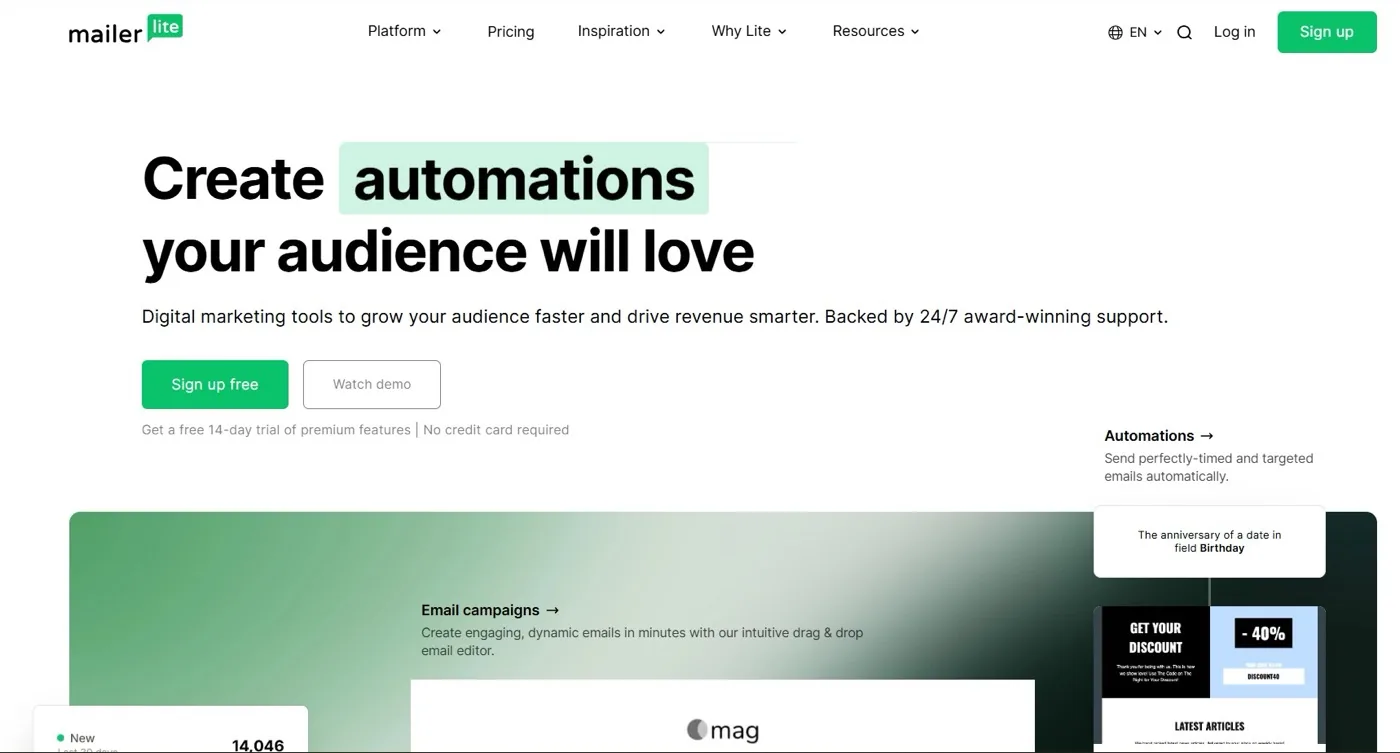
MailerLite is another option for businesses that want a relatively straightforward email marketing system. Its current offering includes email campaigns, forms, landing pages, automation, analytics, and other audience-building tools. Its automation builder supports triggers, delays, conditions, A/B splits, and actions within workflows.
Who should consider it?
It may suit:
- Newer coaches building their first serious email system
- Small businesses
- Creators who want straightforward email marketing
- Users who don’t need a large business ecosystem
The trade-off
As with every platform on this list, the question is whether it matches your business model. If you simply need newsletters, lead capture, and basic automation, a general-purpose email platform can be enough. If your business depends heavily on prospect conversations and follow-up, look more closely at how the platform supports that specific journey.
ConvertKit Alternatives at a Glance
Here’s a simpler way to think about the options:
| If you primarily need… | A platform to consider |
|---|---|
| Client-focused follow-up and simple automation | Maildesk |
| Advanced automation and broader CRM capabilities | ActiveCampaign |
| Newsletter growth and monetization | beehiiv |
| Design-focused email marketing | Flodesk |
| Courses, coaching, and marketing in one ecosystem | Kajabi |
| Funnels, courses, email, and automation together | Systeme.io |
| Straightforward email marketing | MailerLite |
| Creator-focused email, audience growth, and commerce | Kit |
This isn’t a ranking of which platform is universally best. Your business model should determine your priorities.
ConvertKit vs. Maildesk: What’s the Difference?

If you’re specifically comparing Kit and Maildesk, start with the question each platform is designed to answer.
Kit describes itself as an email-first operating system for creators. Its product has expanded beyond traditional email into audience growth, recommendations, commerce, integrations, and other creator-focused capabilities. Maildesk focuses specifically on email marketing for coaches, consultants, and creators, with an emphasis on forms, campaigns, automation, segmentation, and turning lists into booked clients.
That creates an important distinction.
Kit is creator-first
If your business revolves around:
- Building an audience
- Publishing content
- Growing a newsletter
- Creator collaborations
- Digital products
- Commerce
Kit’s broader creator ecosystem may be relevant.
Maildesk is client-acquisition focused
If your business revolves around:
- Generating leads
- Nurturing prospects
- Booking discovery calls
- Following up
- Converting interested people into clients
then you may want a platform built around that journey.
Neither approach is inherently right for every business. The question is which journey represents your business.
How to Choose the Right ConvertKit Alternative
Before you switch platforms, set aside feature comparisons for a moment and start with your business.
Start with your business model
Are you primarily a:
- Coach? Your email strategy may revolve around discovery calls, nurture, follow-up, and client acquisition.
- Consultant? You may need stronger lead management and sales-process support.
- Course creator? You may need launch sequences, evergreen funnels, student onboarding, and product sales.
- Newsletter creator? Audience growth and newsletter monetization may be your priority.
Your answer changes what you should look for.
Identify your primary conversion event
Ask yourself: What do I ultimately want someone on my list to do? Is it:
- Book a discovery call?
- Apply for coaching?
- Purchase a course?
- Attend a webinar?
- Buy a digital product?
- Join a membership?
- Read your newsletter?
This is one of the most useful questions you can ask before choosing an email platform. Your conversion event should influence your platform choice.
Map your customer journey
Take a piece of paper and write:
First contact → Lead capture → Nurture → Conversion → Follow-up → Client
Then ask: Where does my current system work well? And: Where am I still doing things manually?
You may discover that you don’t actually need a new platform. You may simply need a better system. Or you may discover that your current platform was designed around a business model that doesn’t match yours. That is useful information either way.
Separate “must have” from “nice to have”
Make two lists.
Must have, for example:
- Automated sequences
- Segmentation
- Forms
- Follow-up
- Analytics
Nice to have, maybe:
- Advanced CRM
- Course hosting
- Ecommerce
- Affiliate management
- Extensive integrations
This exercise can save you from paying for functionality you don’t actually need.
Consider the learning curve
A platform can have impressive capabilities and still be a poor choice if you never use them or don’t know how to use them. Ask: Can I build the workflows I need without spending days learning the platform? If the answer is no, think carefully before committing.
Think about where your business is going
Don’t only choose for your current list size. Think about where you want the business to be in the next few years. Will you:
- Add more offers?
- Hire a team?
- Launch a course?
- Build a membership?
- Generate more discovery calls?
- Create more sophisticated customer journeys?
Choose a platform that supports your direction without forcing unnecessary complexity today.
How to Switch From ConvertKit to Another Email Platform

Image by wayhomestudio on Magnific
If you have already decided that Kit isn’t the right fit, don’t rush the migration. Your email system is part of your business infrastructure. Treat the move accordingly.
1. Don’t cancel your existing account first
Keep your current system running while you build and test the new one. You don’t want to discover a missed critical automation after you’ve already shut everything down.
2. Audit your current setup
List everything you currently use:
- Subscribers
- Tags
- Segments
- Forms
- Landing pages
- Sequences
- Automations
- Integrations
- Analytics
This is also a good opportunity to identify what you no longer need.
3. Decide what actually needs to move
You don’t necessarily need to recreate every old automation. Ask: Is this still relevant to how I sell today? If not, leave it behind.
A migration can be a good opportunity to simplify your system rather than copy every piece of old complexity into a new platform.
4. Rebuild your most important sequences first
Start with the workflows closest to revenue. For many coaches and consultants, that might mean:
- Lead capture
- Welcome sequence
- Lead nurture
- Discovery-call follow-up
- Client onboarding
Once those are working, move on to less critical campaigns.
5. Test everything
Before sending traffic to your new system, test:
- Forms
- Emails
- Links
- Automation triggers
- Delays
- Segments
- Unsubscribe processes
- Integrations
Send test emails to yourself. Go through the journey as if you were a prospect. Look for the points where something could break.
6. Give yourself a transition period
Don’t migrate your entire business the night before an important launch. Give yourself enough time to properly test the new system. And if you’re moving to Maildesk, the platform currently offers list migration support, which can reduce some of the manual work involved in moving your audience.
Common Mistakes to Avoid When Choosing a ConvertKit Alternative

Choosing based on the feature list
A long feature list can be impressive. It can also be completely irrelevant to your business.
Instead of: “What does this platform have?”
Ask: “What can this platform help me accomplish?”
That’s a much better question.
Choosing because everyone else uses it
Your favorite creator might swear by a particular platform. That doesn’t mean their business model looks anything like yours. The platform that works beautifully for a newsletter creator with 100,000 subscribers may not be the platform you need as a consultant selling high-ticket services.
Choosing the cheapest option
Price matters. But so does your time. If a cheaper platform requires you to manually do tasks a better-fit platform could automate, the subscription difference may not be the most important number.
Ignoring follow-up
This is particularly common among coaches and consultants. They spend a lot of time thinking about lead generation and content, but not enough time thinking about what happens after someone expresses interest.
Ask: What happens after the lead signs up? What happens after they book a call? What happens after they say, “I’ll think about it”? Your email platform should support those moments.
Choosing an all-in-one platform just because it has everything
All-in-one sounds attractive. And sometimes it is exactly what you need. But if you’re paying for a website builder, course platform, funnel builder, CRM, checkout system, and dozens of other tools when all you really needed was better follow-up, you may have created a different problem. Buy for the business you are building.
Migrating without cleaning up
Don’t take old problems into a new platform. Before moving, remove:
- Outdated sequences
- Duplicate contacts
- Old tags
- Irrelevant automations
- Broken links
- Offers you no longer sell
A migration is an opportunity to build a cleaner system.
Choose the Platform That Fits Your Business
The right email platform isn’t necessarily the one with the most features. It isn’t necessarily the cheapest. And it isn’t necessarily the one your favorite creator uses. It is the one that fits the way your business actually works.
For a coach, that might look like:
Lead → Nurture → Discovery Call → Follow-Up → Client
For a course creator, it might look like:
Lead → Nurture → Launch → Purchase → Student → Next Offer
For a newsletter creator, it might look like:
Subscriber → Engagement → Audience Growth → Monetization
Those are different businesses with different needs. So before you switch from ConvertKit, take a step back. Look at your customer journey. Identify where prospects are getting stuck. Identify what you are still doing manually. Then choose a platform that makes those important parts of the business easier to manage.
If your priority is turning interested prospects into conversations and clients, Maildesk gives you a simpler way to capture, nurture, segment, and follow up without making email automation unnecessarily complicated.
Start your free Maildesk trial and build a follow-up system that works while you focus on your clients.
Still weighing options? Read our Mailchimp alternatives for coaches guide, or see how we compare in Maildesk vs Mailchimp.
Frequently asked questions
Is ConvertKit now called Kit?
What is the best ConvertKit alternative for coaches?
What is the best ConvertKit alternative for consultants?
What is the best ConvertKit alternative for course creators?
Is Maildesk a ConvertKit alternative?
← Back to compare