By Ozioma Onwumah · Content Marketer at Maildesk ·
Maildesk vs Mailchimp: Which Email Marketing Platform Is Better for Coaches and Consultants?
Mailchimp is built for breadth; Maildesk is built around one customer journey. A feature-by-feature comparison to help you pick the right fit for your practice.
Every coach wants a successful business. And success isn’t just about how many calls you book — it’s about how many lives you impact.
But the better you get at your work, the more clients you attract. More clients mean more leads, booked calls, referrals, visibility, and more people to serve. Eventually you need a system that can capture leads, send emails, nurture prospects, follow up after discovery calls, and automate your conversion process.
So you find a tool that promises all of that. Then you discover that setting it up requires hours of learning or a technician’s help.
And that’s the problem. You should be spending your time creating, selling, and serving your clients — not figuring out complicated software.
Mailchimp and Maildesk can both help you with email marketing, but they’re built with different priorities in mind. This article breaks down both platforms so you can decide which is the better fit for your coaching, consulting, or course-creation business.
What Is Mailchimp?
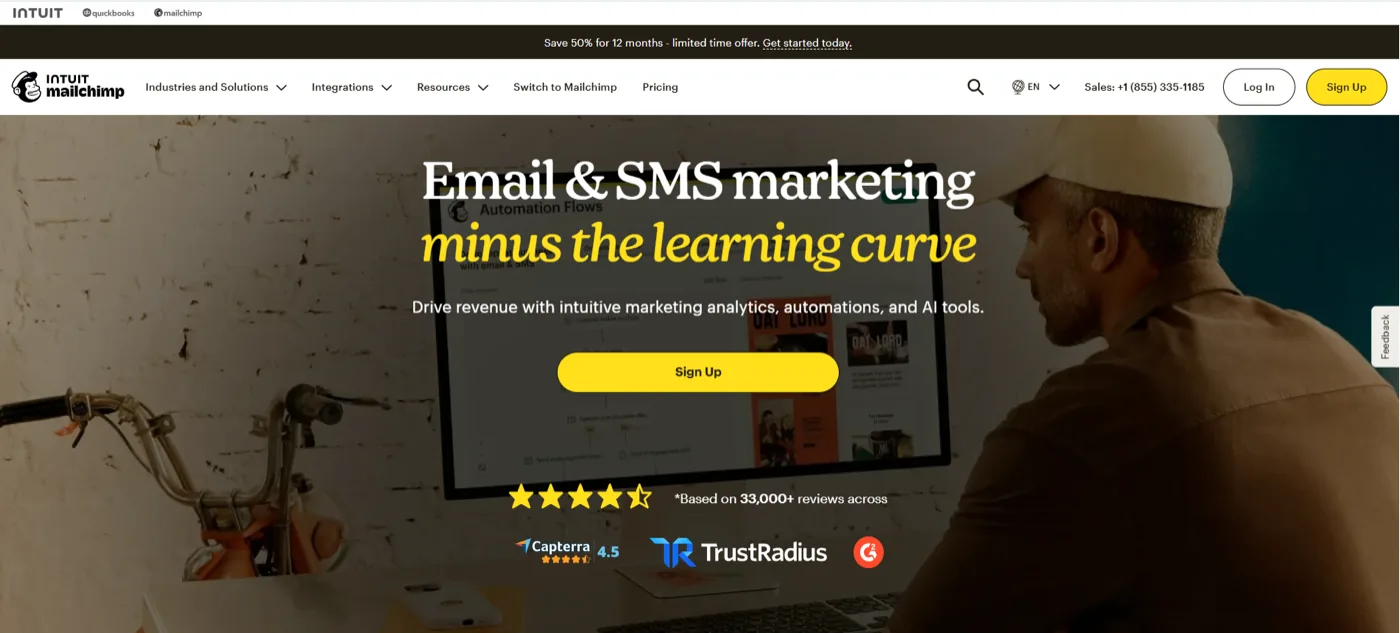
Mailchimp is an all-in-one marketing platform and email service that helps businesses design, send, and track automated email campaigns and newsletters.
Originally an email marketing platform for small businesses, it has since evolved into a digital marketing tool for companies and marketing teams of all sizes and skill levels. Today it positions itself as a broader marketing platform — email, SMS, social ads, landing pages, automation, segmentation, AI and more.
What Is Maildesk?
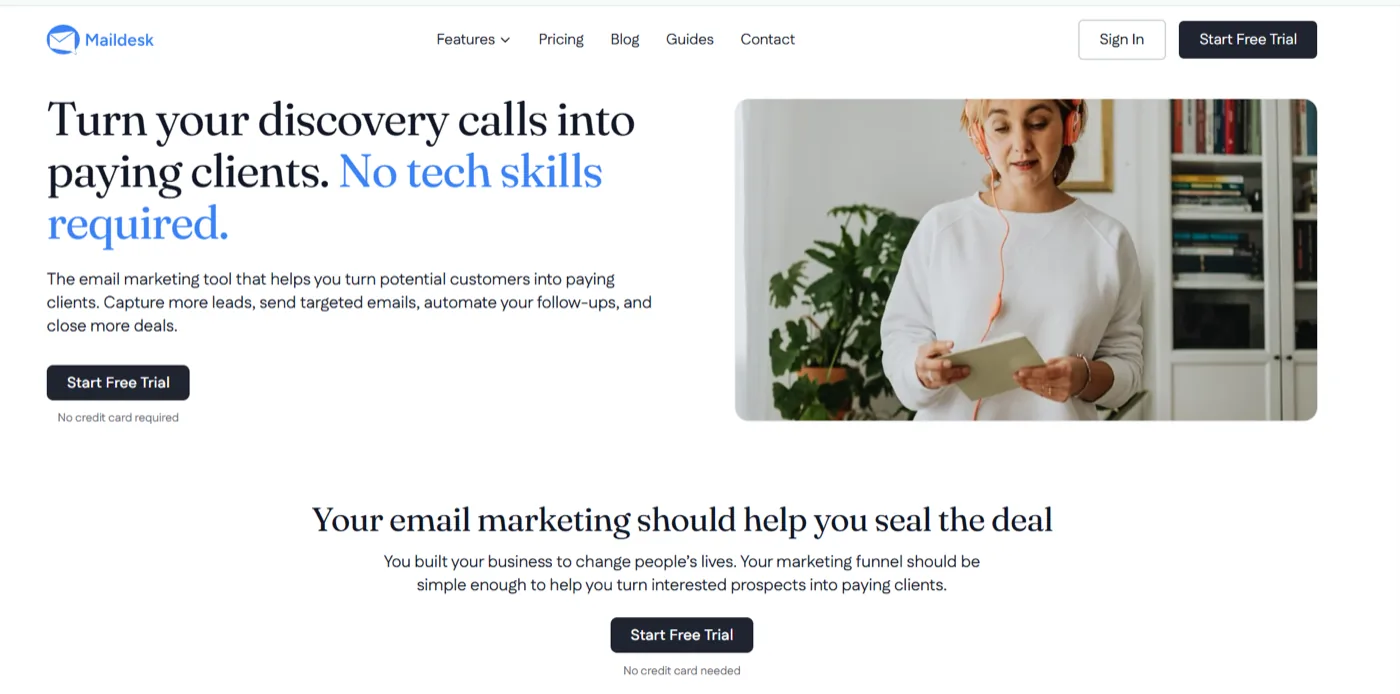
Maildesk is an email marketing platform designed to make email marketing simpler for coaches, consultants, and course creators. At its core, it helps you turn interested prospects into clients by giving you the tools to capture leads, nurture relationships, follow up consistently, and stay connected with your audience.
The platform is built around a simple workflow:
Capture → Nurture → Convert → Follow Up → Re-engage
Instead of piecing together different tools for each stage, Maildesk brings the essential pieces into a single platform.
Capture leads with forms
The process starts with capturing people who are interested in what you offer. Maildesk’s forms let you collect subscribers through lead magnets and other opt-in opportunities, giving you an audience you can keep communicating with — rather than relying entirely on social platforms to reach them.
Stay connected with campaigns
Once someone joins your list, campaigns help you stay in touch. You can send targeted emails to share valuable content, promote an offer, or simply stay top-of-mind without manually contacting every subscriber.
Nurture and follow up with automations
This is where Maildesk moves beyond simply sending newsletters. You can create automated sequences that nurture new leads, follow up with prospects, and keep conversations moving without having to remember who needs an email and when.
For a coach, that could mean sending a welcome sequence after someone downloads a lead magnet, following up after a discovery call, or continuing to nurture someone who isn’t ready to buy yet.
Send the right message with segmentation
Not everyone on your list is in the same place. A new lead shouldn’t necessarily receive the same email as someone who has already booked a discovery call or worked with you before. Maildesk lets you organise subscribers into segments so you can send more relevant messages based on where they are in their journey.
Keep your subscriber list organised
As your audience grows, managing subscribers manually becomes increasingly difficult. Maildesk includes subscriber management tools to help you keep your list organised and ready for your campaigns and automations.
Understand what’s working with analytics
Email marketing isn’t just about sending emails — you also need to know whether those emails are doing their job. Maildesk provides real-time analytics so you can see how your campaigns are performing and use that information to improve.
Connect Maildesk with your other tools
If email is part of a larger system, Maildesk provides a developer API for connecting your booking tools, course platform, and the rest of your tech stack.
The result is a platform built around a specific goal: helping coaches, consultants, and creators turn their own audience into conversations, booked calls, and clients. And that focus is one of the biggest differences between Maildesk and a broader platform like Mailchimp.
What Does Mailchimp Do?
Mailchimp is a general-purpose marketing platform that helps businesses attract, engage, and manage their audiences across multiple channels. It started primarily as email marketing and has since expanded into a broader marketing system.
Today, businesses use Mailchimp to:
- Create and send emails, and build automated customer journeys
- Manage contacts, segment audiences, and apply tags
- Create landing pages and websites
- Run ads and social campaigns
- Track marketing performance
Mailchimp is centred around audience management. It lets you store and organise contacts, create segments, collect information through signup forms and surveys, and use that data to send more targeted messages. It also offers a marketing CRM and customer profiles designed to give businesses a clearer picture of their audience.
Its email marketing comes with pre-built and customisable templates, a drag-and-drop builder, personalisation options, and A/B testing — so businesses can create everything from newsletters to promotional campaigns without building every email from scratch.
Mailchimp’s marketing automation lets businesses build workflows that respond to customer actions or other triggers: welcoming a new subscriber, following up after an interaction, or re-engaging someone who has gone inactive. More advanced capabilities are available depending on the plan.
But email isn’t where Mailchimp stops. Its broader tools include landing pages, websites, social media and advertising features, surveys, and appointment scheduling. Its website builder lets businesses publish web pages, collect subscriber data, and track visits and sign-ups. Analytics and reporting help you monitor engagement and test different approaches.
In other words, Mailchimp is designed to give businesses a broad set of marketing tools on a single platform.
What Does Maildesk Do?
Maildesk is designed specifically for coaches, consultants, and course creators.
Where Mailchimp says “here are a lot of marketing tools you can use,” Maildesk takes a more focused approach: “here are the tools you need to turn your audience into clients.”
Instead of covering every area of marketing, Maildesk focuses on the parts of email marketing that matter most for nurturing leads, following up, and turning conversations into booked clients:
- Forms create lead-magnet opt-ins that turn visitors into subscribers you can keep communicating with.
- Campaigns keep you in touch, sharing valuable content and staying top of mind until they’re ready for the next step.
- Automations handle welcome, nurture, and follow-up sequences — including following up automatically when someone goes quiet after a discovery call. No Zapier connection required, which keeps the workflow in one place.
- Segmentation organises your audience by where they are in the journey, so a new lead, someone who has booked a call, and a past client don’t all get the same message.
- Subscriber management keeps your list organised as it grows.
- Real-time analytics show what’s happening with your emails so you can identify what’s working.
- A developer API connects your email marketing to booking tools and the rest of your stack.
So rather than giving you a huge collection of marketing tools to figure out, Maildesk brings together the core tools needed to capture leads, nurture them, follow up consistently, and turn your existing audience into booked clients.
That’s the key difference to keep in mind: Mailchimp is built for breadth, while Maildesk is built around a specific customer journey.
Mailchimp vs Maildesk: Which Is Right for You?
There isn’t a universal winner here. Mailchimp offers a broad marketing ecosystem; Maildesk takes a more focused approach to email marketing for coaches, consultants, and creators. The right choice depends on what you need your platform to do.
At a glance
| Maildesk | Mailchimp | |
|---|---|---|
| Primary focus | Email marketing for coaches, consultants and creators | Broad marketing platform |
| Email campaigns | ✓ | ✓ |
| Automation | ✓ | ✓ |
| Segmentation | ✓ | ✓ |
| Lead capture / forms | ✓ | ✓ |
| Analytics | Real-time analytics | Reporting and analytics |
| Integrations | Developer API | 300+ integrations |
| Core positioning | Turn your audience into booked clients | Manage and grow marketing across multiple channels |
| Pricing model | Unsubscribed, bounced, and inactive ghost contacts do not count toward plan limits | Subscribed, unsubscribed, and non-subscribed contacts are included in contact count |
| Best suited to | Coaches, consultants and creators who want focused email marketing | Businesses that need a broader marketing platform |
Mailchimp also offers landing pages, social and advertising tools, AI features, SMS and more, along with 300+ integrations. Maildesk focuses on campaigns, automations, forms, segmentation, subscriber management, analytics and an API — with its messaging centred on turning an audience into booked clients.
Comparing the Features That Matter
1. Ease of use

Mailchimp gives you a lot to work with: email marketing, automation, audience management, landing pages, social and advertising tools, AI features, analytics, and integrations. You can build a fairly broad marketing operation from one account.
That breadth is useful if you actually need those capabilities. But if your main goal is to capture leads, nurture them, follow up, and turn them into clients, you may not need every available marketing function.
Maildesk’s core product is built around forms, campaigns, automations, segmentation, subscriber management, analytics and an API — specifically designed to help coaches turn their lists into booked clients.
So the choice here is less about which platform is capable of more, and more about which one gives you the tools you actually need without adding unnecessary decisions.
To be fair to Mailchimp: it emphasises drag-and-drop tools, templates and guided setup, so it would be wrong to describe it as requiring technical expertise. But for a coach who wants to spend less time managing email software, Maildesk’s narrower focus may be the more natural fit.
2. Automation

Both platforms can automate your email marketing, so this isn’t a case of one having automation and the other not. The more useful question is: how does automation fit into the way you actually acquire and convert clients?
Mailchimp offers marketing automation flows that respond to customer activity and other triggers. You can build flows using starting points, rules, actions and multiple steps, and there are pre-built templates you can customise. Depending on the plan, you can use automation for welcome sequences, follow-ups, behavioural journeys and re-engagement campaigns. Mailchimp’s pricing documentation shows automation capabilities vary by plan, with more advanced ones on higher tiers.
Maildesk approaches automation around the prospect journey — automated follow-ups for prospects who have gone quiet after a call, plus welcome and nurture sequences designed to move leads closer to booking.
Think about the workflow a coach actually needs:
- New lead → Welcome sequence
- Prospect → Nurture sequence
- Discovery call → Follow-up
- Prospect isn’t ready → Continued nurturing
- Past lead → Re-engagement
The advantage isn’t that Mailchimp can’t handle these workflows. It’s that Maildesk’s positioning starts with this particular journey rather than a much broader set of marketing use cases.
3. Segmentation

Segmentation matters because everyone on your list is not at the same stage. A new subscriber, someone who has booked a discovery call, someone considering your offer, an existing client, and an old lead may all need very different messages.
Mailchimp offers segmentation based on audience data and behaviour, including behavioural targeting, tags and customer profiles — with more advanced capabilities depending on the plan.
Maildesk also offers tagging and segmentation you can design as you see fit, organised by stages such as new leads, people who have booked a call, and past clients. For a coach, that makes the strategy easier to think about: where is this person in my client journey, and what do they need to hear next?
Both platforms help you send more relevant messages. The difference is that Maildesk frames segmentation directly around the prospect-to-client journey it’s built to support.
4. Pricing and the “ghost subscriber” problem

Pricing deserves more attention than simply comparing the number on each pricing page. One question worth asking: what happens to the contacts on your list who are no longer receiving your emails?
How Mailchimp counts contacts. Mailchimp’s current pricing documentation defines a contact as an individual member of your audience, and its contact count includes subscribed, unsubscribed, and non-subscribed contacts. Archived, cleaned and deleted contacts do not count toward the total. Your tier is determined by your plan and the number of contacts you store, and if your total exceeds your limit during a billing cycle, Mailchimp may charge an additional fee.
This doesn’t make Mailchimp a bad choice. It simply means you need to understand how your contact database affects your bill.
How Maildesk handles inactive contacts. Maildesk’s pricing page states that unsubscribed, bounced, and inactive “ghost” contacts do not count toward your plan limit. That distinction can matter as your list grows.
So the question becomes: why should your email bill keep growing because your database contains people who can no longer receive your emails?
What Features Do You Actually Need?

At this point it’s tempting to ask “which platform has more features?” That’s probably the wrong question. The better one is: which features actually help you move prospects toward becoming clients?
| What you need | Why it matters |
|---|---|
| Forms | Capture leads from your website, content or lead magnets |
| Segmentation | Send relevant messages to different groups |
| Automation | Nurture prospects without manually sending every email |
| Campaigns | Stay connected with your audience |
| Follow-up | Keep conversations moving after a prospect shows interest |
| Analytics | Understand how your campaigns are performing |
| Integrations / API | Connect your email marketing with the rest of your business |
Mailchimp can meet these needs while also giving you access to a much wider range of marketing tools. Maildesk covers the core functions around lead capture, nurturing, follow-up and audience management, then builds its positioning around the specific needs of coaches, consultants and creators.
If you need a broad marketing ecosystem, Mailchimp’s range is an advantage. If you want a focused system for managing the journey from subscriber to prospect to client, Maildesk’s narrower focus may be more useful.
Which Platform Fits Your Situation?
Sometimes the easiest way to choose is to set aside the feature lists and focus on what you actually want to accomplish.
“I just want to build my email list.”
Both platforms can capture subscribers through forms. Mailchimp offers signup forms and landing pages; Maildesk offers lead-magnet forms designed to grow an owned audience. For basic list building, either will do the job — your decision comes down to what you want to do with that audience afterwards.
“I want to nurture people who download my lead magnet.”
Both support automation, so both can send follow-up emails after someone enters your audience. Mailchimp offers broader automation and marketing capabilities; Maildesk focuses its automation on welcome, nurture and follow-up journeys. If lead nurturing is one of the main reasons you’re investing in an email platform, Maildesk’s focused approach may feel more straightforward.
“I want to automate discovery-call follow-up.”
This is one of the clearest use cases for Maildesk. It offers automated follow-up for prospects who have gone quiet after a call, positioning automation as a way to keep potential clients engaged and move them closer to booking. Mailchimp can also create automated follow-up journeys, but Maildesk’s positioning is much more directly aligned with this workflow.
“I have lots of different audiences.”
Mailchimp may be the stronger fit here. It offers segmentation, behavioural targeting, customer profiles and predictive features, with some capabilities varying by plan. Maildesk also provides tagging and segmentation, but its approach is centred on the stages of the prospect journey.
“I want email, SMS, ads, social media and other tools in one platform.”
This is where Mailchimp has a clear advantage. Its platform includes email, SMS, social media and advertising, as well as landing pages, automation, analytics, AI tools and more than 300 integrations. If you want your email platform to serve as a broader marketing hub, Mailchimp is worth serious consideration.
“I’m a solo coach and I don’t want to spend hours learning software.”
This is where Maildesk’s focused approach becomes compelling. It’s positioned specifically for coaches, consultants and creators, with core tools centred on forms, campaigns, automation, segmentation, subscriber management and analytics. If those are the functions you need, you may prefer a platform built around that workflow.
Who Should Choose Mailchimp?
Mailchimp may be the better choice if your business needs more than email marketing — a broader platform bringing together email, SMS, advertising, social media, landing pages, automation, analytics and a large integration ecosystem.
It also makes sense if you’re managing a more complex marketing operation and want features such as advanced segmentation, multiple audiences, custom reporting, additional seats and higher-level support, depending on your plan.
In short: choose Mailchimp when breadth is important to you. You may not use every feature today, but a broad ecosystem can be valuable if you know you’ll need those capabilities as you grow.
Who Should Choose Maildesk?
Maildesk is built with a narrower audience in mind — coaches, consultants and creators who want to capture leads, nurture their audience, automate follow-up, segment subscribers, and turn their existing list into booked clients.
It may be a stronger fit if you’re running a lean business and don’t need a large collection of advertising and social media tools inside your email platform. It’s also worth considering if you care about paying based on active subscribers rather than having unsubscribed, bounced, and inactive ghost contacts count toward your plan limit — Maildesk states those contacts remain in your account but don’t count toward your limit.
In short: choose Maildesk when focus is more important to you than breadth.
The Real Question
The question isn’t really whether Maildesk has more features than Mailchimp. Mailchimp has built a broad marketing ecosystem that goes well beyond email; Maildesk has chosen to focus on the email marketing workflows it believes matter most to coaches, consultants and creators.
The better question is: which platform helps you do what you actually need without making you manage more complexity than necessary?
If you need a wide range of marketing capabilities in one place, Mailchimp’s breadth is valuable. If your priority is building an audience, nurturing prospects, following up consistently and turning that audience into clients, Maildesk’s focused approach may be the better match.
The goal isn’t to find the platform with the longest feature list. It’s to find the platform that helps you do your best work.
Final Verdict
There is no single answer that applies to every business.
Choose Mailchimp if you need a broad marketing platform with email, SMS, advertising, social media, landing pages, extensive integrations and a wider collection of marketing capabilities — especially if your needs extend beyond the prospect-to-client email journey.
Choose Maildesk if you’re a coach, consultant or course creator looking for a focused email marketing platform built around capturing leads, nurturing prospects, following up, and turning your audience into booked clients. It’s also worth considering if you don’t want inactive, unsubscribed or bounced contacts counting toward your plan limit.
For coaches and consultants who want to spend less time managing software and more time serving their clients, Maildesk is built for that.
Start your free Maildesk trial.
Frequently asked questions
Is Mailchimp good for coaches?
Is Maildesk easier to use than Mailchimp?
Does Mailchimp charge for unsubscribed contacts?
Does Maildesk charge for unsubscribed or bounced contacts?
Can I migrate from Mailchimp to Maildesk?
Which email marketing platform is best for consultants?
← Back to compare